Streaming guide
Where to Watch Primetime Online
Use VPN UK to add a layer of connection privacy when streaming Primetime. Check current licensed listings for viewing details, then follow our four-step setup to connect with your selected streaming service.

Before you start streaming
Availability search · Check your country. Guide updated 2026-11-24. Availability can change.
Check licensed provider
A24 provides watch-at-home rental and purchase links for Primetime. Check the linked retailer for availability and current pricing in your country.
licensed provider
Confirm the right title
Match the film’s release year, director and cast. Similar names can lead to a different title.
Check what’s included
A subscription, rental or purchase may be required. A search result does not confirm playback or availability in every country.
VPN UK does not include the title or guarantee playback. Your streaming service’s access requirements and terms still apply.
Why use VPN UK for streaming?
VPN UK brings streaming-service selection and VPN connection controls together, with encrypted connections and server locations in the UK and beyond.
- Encrypted connection
Protect traffic between your device and the VPN server, including on shared Wi-Fi. - Built-in service selection
A dedicated service list makes supported streaming services easy to find within VPN UK. - UK and global locations
VPN server options beyond the UK, in the same app.
Official sources · checked 24 November 2026
Official listings for Primetime
Primetime is a 2026 thriller directed by Lance Oppenheim. Robert Pattinson plays television presenter Chris Hansen as a sting operation spirals into disaster.
A24 · official film and viewing options (opens in a new tab)
- Region / source scope
- US release information; check your country
- Access
- Rental or purchase
A24 lists the film, cast and watch-at-home options.
These sources were checked for the US listings and release information described above. Confirm your own country's catalog and checkout terms. A catalog entry, studio page or release announcement does not by itself prove that your account can play the film.
Search Primetime on FlickPicker ↗ · Then confirm the result with the licensed provider.
Inside the VPN UK app
4 Simple Steps to Set Up VPN UK for Primetime
Once you’ve found a streaming service carrying Primetime, follow these steps to connect with VPN UK. Netflix is shown only as an example.
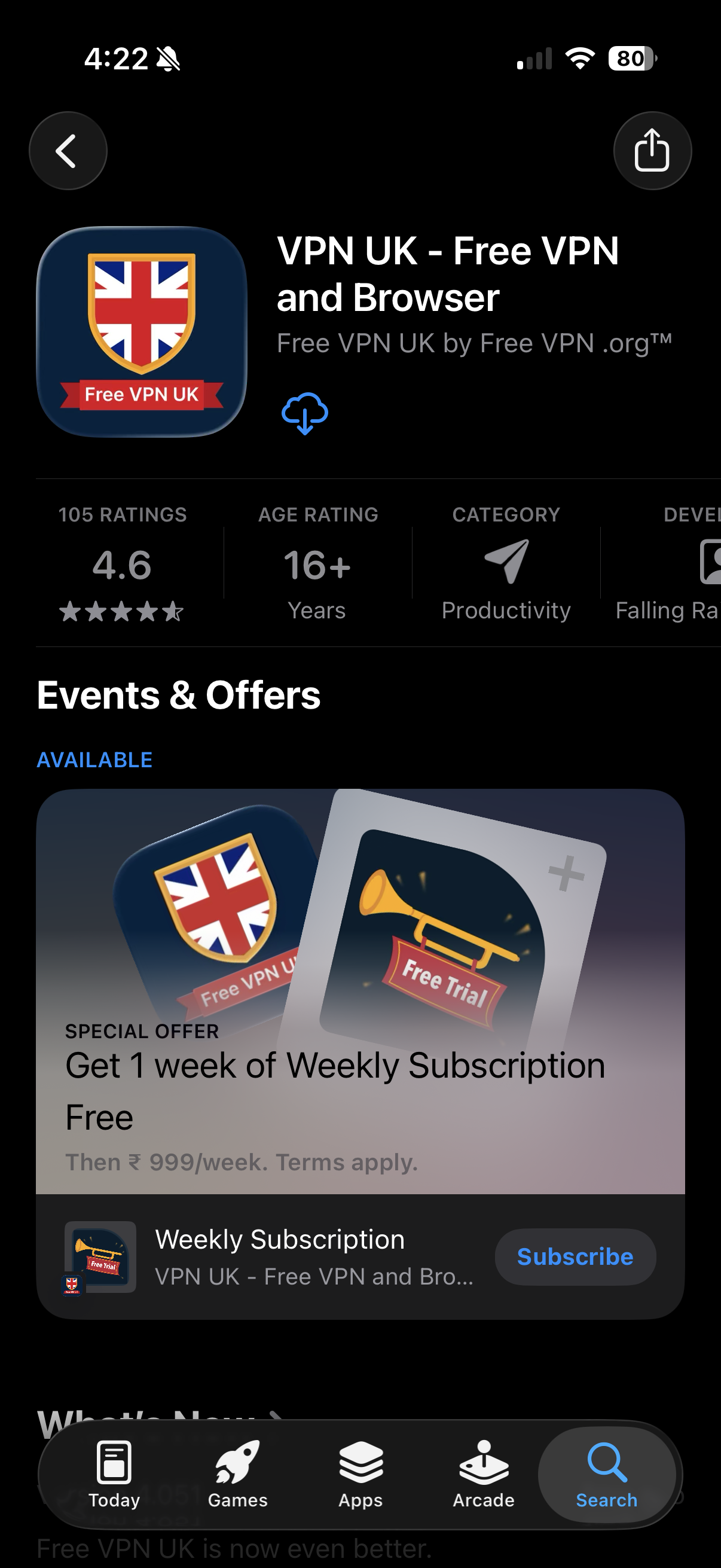
Get VPN UK for your device. Open the app and allow the VPN configuration when your device prompts you.
Choose your deviceOn the home screen, tap General to open the service list. If you have already selected a service, its name appears here instead.
Choose the streaming service you want to watch on. Select the service carrying your title; Netflix is shown only as an example. Availability varies by service and region.
Explore service guidesTurn on the VPN and wait for the connection. When the app says Tap to Disconnect VPN, it is connected. Then open your streaming app and find your title.
Your streaming service may require its own account or subscription. VPN UK itself does not require sign-up.
The same setup works with your selected service.
Help & support
Questions about watching Primetime
Where can I watch Primetime?
A24 provides watch-at-home rental and purchase links for Primetime. Check the linked retailer for availability and current pricing in your country. See licensed provider for the official information.
Do I need a subscription to watch Primetime?
You need access through a streaming service carrying Primetime, which may require a subscription, rental or purchase. Availability varies by service and region. Downloading VPN UK does not include the title or a streaming subscription.
Can I use VPN UK when watching Primetime?
First confirm Primetime and access requirements through licensed provider . In VPN UK, open the service list, select that streaming service if available and connect. Then open the streaming service’s app or website. A separate subscription may be required; availability and VPN support vary by service and region.
Do I need an account to use VPN UK?
No VPN UK account is required. Download the app, select your service and connect. Your streaming service may require its own account or subscription.
What if Primetime does not appear or playback fails?
Check that the title is available through your selected streaming service and included in your plan. Regional restrictions may apply. Update and reopen the streaming app, then test your normal connection. If the streaming service does not support VPN connections, disconnect the VPN and follow its guidance.
Explore more