Why Someone Might Choose Miami
A few common reasons people pick this region over another.
-
1
A South Florida, Southeast US presence
Miami sits at the southern tip of Florida, which is useful if that's the specific coastal presence you want your connection to have.
-
2
Checking how something looks for Miami-area visitors
Useful if you want to see how a site, price, or search result appears to a connection associated with the Miami area specifically.
-
3
A consistent Southeast city presence while travelling
If you're outside the US and want your connection to consistently present as based in a specific Southeast city, Miami is one of several city options.
What Selecting Miami Changes
When you connect through the Miami region, VPN UK encrypts your device's traffic and routes it through a server associated with that city before it reaches the sites and apps you use. Those destinations see a connection coming from Miami instead of your actual network. Your device, accounts, and the destination services themselves don't change — only the apparent origin of your connection does.
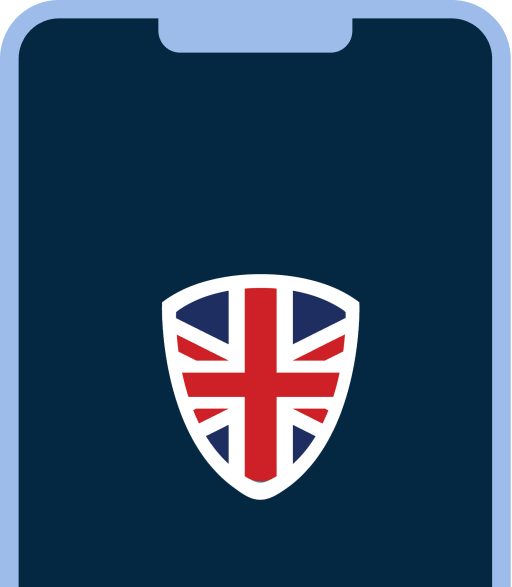


Your device connects to a VPN UK server first. Only after that encrypted step does your traffic continue on, arriving from the Miami region instead of your own.
Connect in 3 Steps
- 1Get VPN UK. Install the app on iPhone, Android, or Mac and sign in.
- 2Select Miami. Choose it as your region from the location list, then connect.
- 3Browse as usual. Open the site or app you need — your connection now presents as based in the Miami region.
Factors That May Affect Speed or Availability
- The physical distance between your actual location and the Miami region can add latency.
- Your own network and ISP speed still apply on top of any VPN connection.
- Server load can vary with time of day and overall demand, like any shared server.
- Some sites and apps look at signals beyond your connection's region, such as account history or device settings, that switching regions alone won't change.
Privacy and Location Limitations
- Selecting a region changes the location signal your connection presents at the network level; it doesn't make your connection completely anonymous.
- It isn't a substitute for a verified or legally precise declaration of location — for anything like tax residency, voting eligibility, or legal jurisdiction, this is not evidence of physical presence.
- VPN UK encrypts traffic between your device and the selected server, which is separate from what any destination site or app can see once your traffic reaches it.
Miami Region FAQs
No. Selecting a region only changes which VPN UK server your connection uses — it doesn't require a US address, payment method, or account of any kind.
It changes the region your connection appears to come from at the network level. Some sites and apps use additional signals beyond that, so results can vary by service.
Yes. You can change your selected region in the VPN UK app at any time — there's no need to stay on one region.
Miami is a city in the state of Florida, United States. It's a separate region option from the Florida entry, which represents the wider state.
More North America regions you can connect to with VPN UK
-
North America
Illinois
Connect through the Illinois region — part of VPN UK's North America group.
-
North America
Chicago
Connect through the Chicago region — part of VPN UK's North America group.
-
North America
Detroit
Connect through the Detroit region — part of VPN UK's North America group.
-
North America
New York
Connect through the New York region — part of VPN UK's North America group.
-
North America
Washington
Connect through the Washington region — part of VPN UK's North America group.
-
North America
Florida
Connect through the Florida region — part of VPN UK's North America group.
Ready to connect through the Miami region with VPN UK?