The Deceptive World of Fake Apps: Recognize, Remove, and Defend

Marcus Collins October 10, 2023
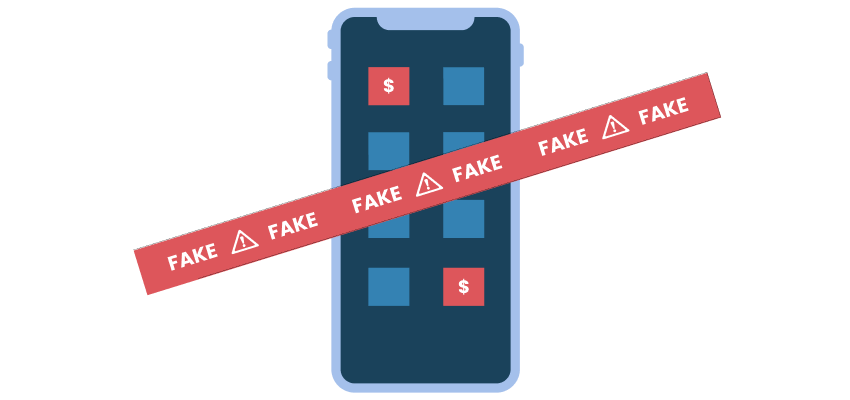
The increasing desire for comfort brings with it our reliance on apps for almost everything. From banking to streaming, gaming, shopping and even planning - there is an app for everything. But, with this rise, a new threat has emerged: fake apps. These deceitful duplicates can steal your data, money, or both.
What Are Fake Apps?
Fake apps are malicious mobile applications that mimic legitimate ones. Often, they are designed to scam users either by charging them unexpectedly or by stealing personal information.
Different Types of Fake Apps:
- Counterfeit Apps : Direct copies of popular apps, often hard to distinguish from the real thing.
- Ad-loaded Apps : Legitimate in appearance but bombard users with ads, earning money for fraudsters.
- Subscription Scammers : Apps that trick users into signing up for expensive subscriptions.
- Data Phishers : Apps that stealthily steal user data.
- Ransomware Apps : Lock your phone or data and demand a ransom.
How Can You Spot a Fake App?
- Check the Publisher : Always verify the app's publisher before downloading. For instance, if you're downloading WhatsApp, the publisher should be 'WhatsApp Inc.'
- Read Reviews : Fake apps often have a mix of extreme reviews. A bunch of 5-stars mixed with several 1-star warnings is a red flag.
- Verify Permissions : A flashlight app shouldn't need to access your contacts. Always check the permissions.
- Look for Typos : Many fake apps are riddled with spelling and grammar errors.
What Threats Do Fake Apps Bring?
- Data Theft : They can gain unauthorized access to personal and sensitive information.
- Unauthorized Charges : Some might trick you into making unwarranted purchases or subscriptions.
- Device Malfunction : Some apps can interfere with your device's operation or install additional malware.
- Identity Theft : With enough personal data, cybercriminals can impersonate you, leading to identity theft.
Have a Fake App? Here's What to Do?
- Immediate Uninstallation : Remove the app from your device without delay.
- Change Passwords : Especially if the app had access to sensitive accounts.
- Monitor Accounts : Keep an eye on any account that the app had access to for unusual activity.
- Install a Security Solution : Consider adding a reputable mobile security solution to your device.
Protecting Yourself from Fake Apps:
- Download from Reputable Sources : Stick to official app stores like Google Play or Apple's App Store. Even there, be vigilant as some fakes still slip through.
- Update Regularly : Regularly updating your phone's OS can shield you from many vulnerabilities.
- Use Mobile Security Solutions : These can often catch and prevent the installation of malicious apps.
- Research Before Downloading : A simple search about the app can give you a lot of information.
featured posts
Marcus Collins
July 27, 2025

Marcus Collins
June 15, 2024

Marcus Collins
June 12, 2024