The Blackout Problem
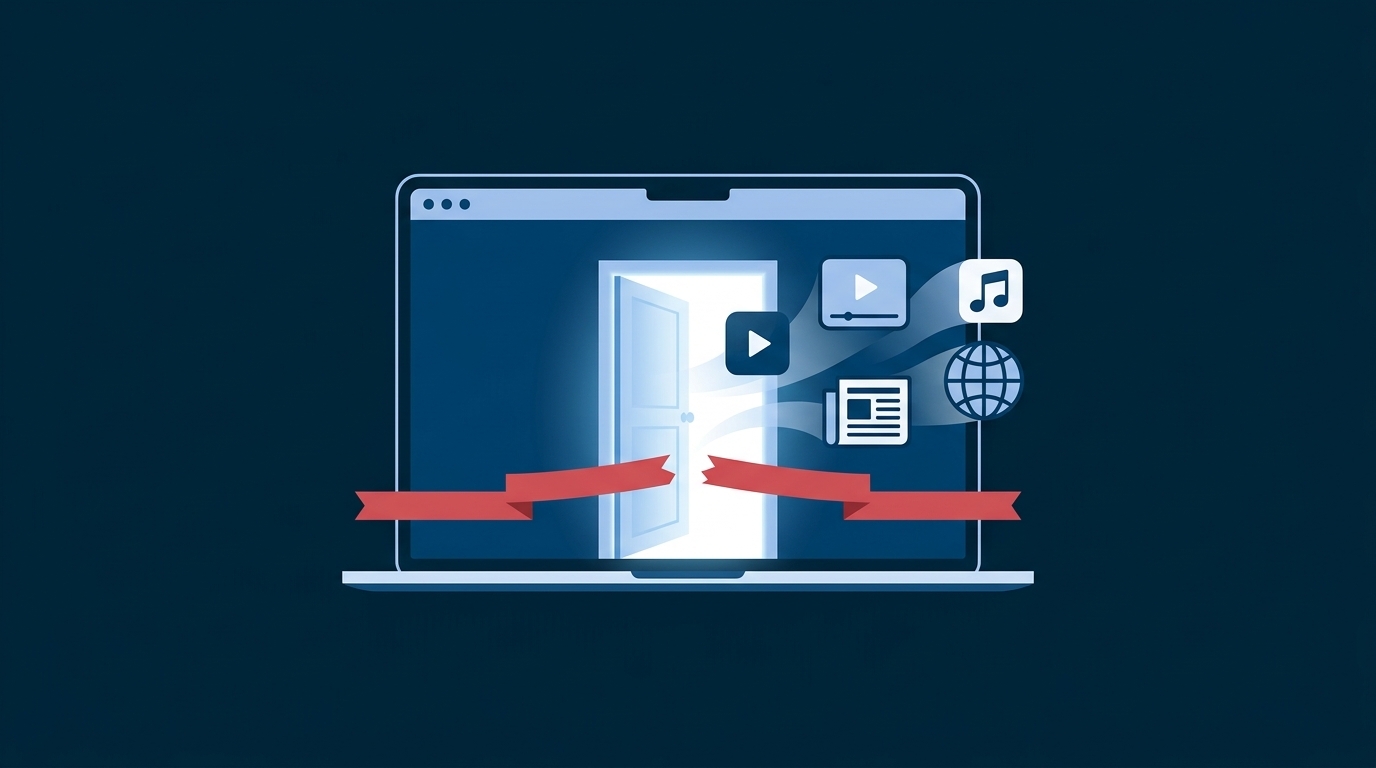
You want to watch the Premier League match happening right now. But when you open the streaming app in your region, you see a message: "This content is not available in your country." The game is being broadcast, millions of people worldwide are watching it live—but not you. This is the reality of sports geo-restrictions: licensing agreements, regional broadcasting rights, and contractual obligations mean the same game is available in some countries and blocked in others.
For sports fans, this problem is universal. Whether you're traveling abroad, living as an expat, or simply want access to sports content unavailable in your region, geo-blackouts are frustrating and expensive. But there's a solution: VPN (Virtual Private Network) technology can remove these restrictions, letting you watch live sports from anywhere—legally and easily.
This guide explains how sports geo-blocking works, why it exists, which platforms support VPN access, and how to set up VPN for live sports streaming without sacrificing speed or reliability.
Why Sports Are Geo-Blocked
Sports streaming isn't arbitrary censorship—it's contractual obligation. Here's what's actually happening behind the scenes:
Licensing Agreements
Sports leagues (Premier League, NFL, NBA, etc.) sell regional broadcasting rights separately. For example, the Premier League sells exclusive UK rights to Sky Sports, US rights to NBC, and Indian rights to a different provider. Each broadcaster pays millions for exclusive regional access. To protect this exclusivity, rights holders demand geo-blocking: the content is technically available globally, but authentication servers check your IP address and block access if you're outside the licensed region.
Broadcasting Rights Are Expensive
A single Premier League season costs Sky Sports roughly £500 million for exclusive UK rights. The NFL's broadcasting rights are valued at over $10 billion annually across all US broadcasters. These astronomical payments are why broadcasters demand enforcement of regional restrictions—they're protecting their investment.
Legal Obligations
Broadcasting contracts legally bind both the service and the league. If ESPN+ (with US rights) allows non-US viewers to watch games, ESPN is violating its licensing agreement. The financial penalties are severe.
The Premier League's broadcasting rights are so valuable that Sky Sports pays roughly £500 million per season just for UK rights. The NFL's total broadcasting rights exceed $10 billion annually across all broadcasters. These massive payouts are why enforcement of geo-blocking is so strict.
Common Sports Streaming Restrictions
Different sports face different blocking patterns:
Premier League / English Premier League
Heavily restricted. Sky Sports holds exclusive UK rights. Match broadcasts are blocked everywhere outside the UK. Traveling to Europe? Blocked. Vacationing in Asia? Blocked. The only exception: countries where Sky Sports doesn't hold rights use different platforms (e.g., Australia uses Optus Sport).
NFL & American Football
US-restricted with active blackout rules. Even within the US, local games are blacked out in specific markets to encourage in-stadium attendance. NFL+ is US-only. International viewers find virtually no official access during regular season.
Cricket
Nightmare licensing scenario. Different platforms hold rights in different regions: Sky Sports (UK), Willow TV (US), Sony LIV (India), Kayo (Australia). A single match might be available in one country and completely unavailable in another.
Boxing & MMA Events
Heavily restricted PPV content. Major fights are region-locked and geo-blocked. Premium events cost $30-80 per view in licensed regions.
Olympics
Extremely restricted. NBC holds exclusive US rights. BBC holds exclusive UK rights. The IOC sells rights country-by-country, resulting in massive geographic fragmentation. Peacock (US) streams Olympic coverage; BBC iPlayer (UK) does the same. Outside these regions: nearly no official access.
How VPN Removes Sports Blackouts
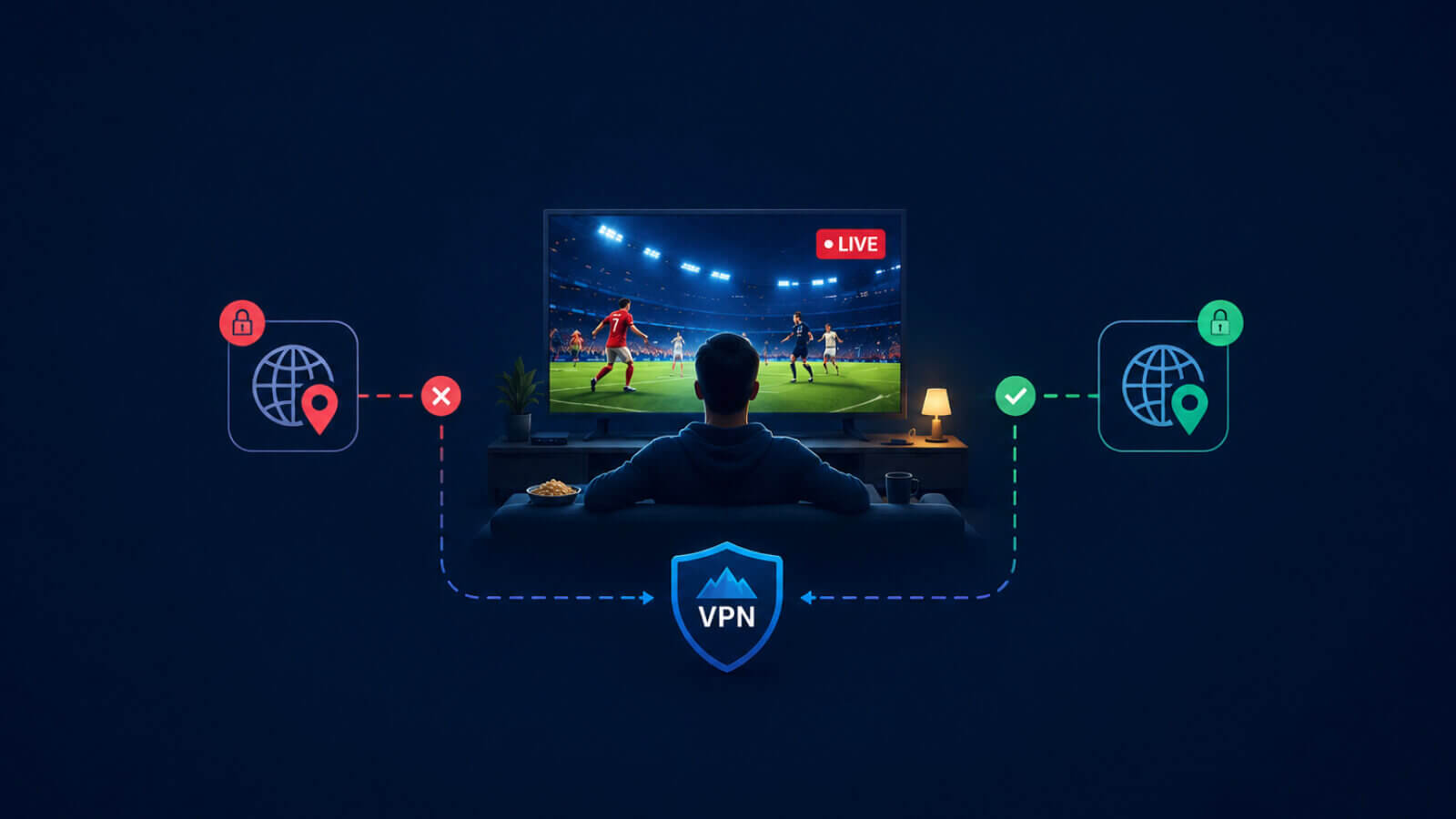
VPN technology bypasses geo-blocking by changing your apparent location:
- 1Select a Server in the Rights-Holding Country. If Premier League matches are available on Sky Sports in the UK, connect to a VPN server located in the UK.
- 2The Sports Platform Sees Your UK IP Address. Your traffic routes through the UK-based VPN server. When you visit Sky Sports, the platform checks your IP address and sees: "UK user, allowed access." They don't know you're actually sitting in Singapore, Australia, or anywhere else.
- 3You Gain Access. The geo-block is bypassed. You authenticate with Sky Sports and watch the match live.
This works because geo-blocking operates at the network level—it checks IP addresses, not physical location. A VPN masks your real IP and routes your connection through a server in another country, effectively appearing to be in that location.
This only works if the VPN hasn't been detected and blocked by the streaming service. Some platforms (like Sky Sports and Kayo) actively detect and block VPN connections. If your first VPN doesn't work, try a different provider or server before assuming access is impossible. Results vary by platform and VPN provider.
Sports Platforms & VPN Compatibility
Not all platforms are equally VPN-friendly. Here's a realistic breakdown:
VPN-Friendly Platforms
- ESPN+ — Generally tolerant of VPN. Most users report successful access.
- DAZN — VPN-compatible for most sports content. Available in 200+ countries, so less aggressively blocks VPN.
- Peacock TV — US-based, but some VPNs report access from abroad.
- Paramount+ — VPN detection exists but inconsistent. Try different servers if blocked.
VPN-Hostile Platforms
- Sky Sports — Actively blocks VPN connections. Detection is sophisticated. Results may vary.
- Kayo Sports — Australian platform with aggressive VPN blocking. Difficult but possible with premium VPN services.
- BT Sport — UK-based, blocks VPN. Some success with dedicated streaming servers.
- Hotstar (India) — Cricket streaming, blocks VPN. Requires dedicated IPs.
Platforms like ESPN+ and DAZN are built for global audiences, so they're less likely to block VPNs aggressively. Premium UK platforms (Sky Sports, BT Sport) have larger enforcement budgets and actively detect VPN traffic. However, "blocked" doesn't mean impossible—it just means you may need to try different servers or VPN providers.
Speed & Latency: Critical for Live Sports
For live sports, a VPN must deliver two critical performance metrics: low latency and stable speed.
Why Latency Matters for Sports
Latency is the delay between an event happening and you seeing it on your screen. In live sports:
- Under 50ms latency: You're watching nearly in real-time. Acceptable for sports.
- 50-100ms: Noticeable but tolerable. You might miss quick plays by a second or two.
- 100ms+: Frustrating. You're watching "behind" the live action. Sports gambling, fantasy updates, and social media spoilers hit before the play even appears on your screen.
However, some VPNs perform poorly on certain connections or during peak hours, resulting in 100-200ms+ latency. This creates noticeable lag in live sports.
Speed Requirements
HD Sports Streaming: Requires 5-10 Mbps of consistent speed. Most home broadband delivers 50+ Mbps, so speed is rarely the issue. The VPN connection should pass through without significant slowdown.
4K Sports Streaming: Requires 15-25 Mbps. If you have gigabit internet, a good VPN won't be the limiting factor. However, if your VPN is slow or your connection is variable, 4K becomes unreliable.
Why VPN UK Works for Sports
VPN UK is specifically optimized for streaming. Unlike generic VPN providers, we've designed our infrastructure to prioritize speed and low latency for live content. That means faster connections, more reliable performance during peak hours, and better overall experience for sports streaming.
Step-by-Step: How to Watch Sports Live with VPN
Here's the complete process to start watching sports with VPN:
- 1Download VPN UK. Get VPN UK from the App Store or Google Play.
- 2Select Your VPN Server. Choose the country where your sports content is available (UK, US, India, or Australia).
- 3Connect. Tap Connect and wait a few seconds for the connection to establish.
- 4Open Your Streaming Service. Launch your sports app and start watching.
That's it. Most users find this process takes 2-3 minutes total with VPN UK, and you can be watching your favorite sport within minutes of downloading the app.
Test your VPN connection at least 30 minutes before an important match. Most VPN apps have built-in speed testing tools. Connect to your VPN, run a speed test, and verify the platform works before game time. This simple step prevents heartbreak when the match starts.
Legal & Ethical Considerations
Here's the honest part: Using VPN to bypass geo-restrictions is legally gray.
The Reality
- VPNs themselves are legal in almost all countries
- Using a VPN to access content restricted in your region is not explicitly illegal in most jurisdictions
- However, you are circumventing geo-blocking, which may violate the streaming service's terms of service
The Ethical Dimension
Geographic licensing exists for contractual and economic reasons. Broadcasters paid billions for regional exclusivity. Bypassing this with VPN technically violates those agreements—even if you're not doing anything illegal.
Different Perspectives
- Broadcaster perspective: You're accessing content you're not licensed to view, harming their business model
- Consumer perspective: You're willing to pay for access but aren't offered it in your region, creating artificial scarcity
- Legal perspective: The law is unclear, and enforcement varies by jurisdiction
We believe users should understand the context. Geographic licensing exists, and bypassing it with VPN is technically a violation of those agreements. However, it's a widespread practice, rarely prosecuted against consumers (rather than services), and ethically defensible when you're actively willing to pay for access but aren't offered it in your region.
Make an informed decision based on your jurisdiction and personal ethics.
Avoiding VPN Detection on Sports Platforms
Some platforms actively block VPN connections. Here's how to minimize detection:
1. Use Dedicated Streaming Servers
Some VPN providers offer servers specifically optimized for streaming. These dedicated IPs are less likely to be flagged as VPN.
2. Rotate Servers
If a single server gets blocked, try a different server in the same country. Platforms block specific IPs or IP ranges, not entire countries.
3. Residential IP Options
Premium VPN services sometimes offer residential IP addresses (actual home IPs that route through the VPN). These are harder to detect but slower.
4. Optimize Protocol & Settings
Connection protocols can affect stability and detection. Experiment with different options your VPN provides.
5. Check Your VPN Provider
Ask support whether they have users successfully accessing your target platform. Reputable VPN providers track this and can advise on the best servers.
Frequently Asked Questions
Common questions about watching sports with VPN