You upload your face for fun. Within seconds, it's in a cloud server. Within hours, it's training AI. Within days, it could be sold to a data broker.
Before you use the next trending AI face editor or palm reader, understand what these tools actually do with your biometric data. Here's what happens — and how to protect yourself.
What Are AI Face Editors and Palm Readers?
AI face editors are apps and tools that use facial recognition and generative AI to transform your photos. They let you:
- Beauty enhancements — Smooth skin, brighten eyes, whiten teeth
- Creative effects — Age progression/regression, gender swaps, style transfers
- Fantasy transformations — Anime versions, celebrity lookalikes, period costumes
Popular tools include FaceApp, YouCam Makeup, and Snapchat filters. They're designed to be fun and shareable.
AI palm readers are a different category but equally trendy. These apps claim to read your palm and predict:
- Fortune and life path
- Personality traits
- Relationship future
- Career insights
Apps like "AI Palm Reader" and "Fortune Palm Reading" use hand photos to generate personality profiles or fortune predictions. They're more about entertainment than actual palmistry, but they all require the same thing: your biometric data.
Why the distinction matters
Both categories capture unique biometric identifiers — your face and hand — and process them through cloud servers. The entertainment value is high. The privacy implications are rarely explained.
Why These Tools Are Everywhere Right Now
These aren't new tools. FaceApp launched in 2017. But in 2026, they're experiencing explosive growth. Here's why:
Entertainment appeal. People want to see what they'd look like aged, de-aged, or as a fantasy version. It's fun. It's visually engaging. Results are post-worthy.
Social validation. Everyone's trying them. Sharing transformed photos gets likes, comments, and engagement. FOMO drives adoption.
Accessibility. No technical skill required. Upload. Click. Share. The barrier to entry is nearly zero.
AI improvement. Modern results look better than 2017 versions. Transformations are more believable, more satisfying. This drives higher engagement.
Shareability. Unlike tools that keep results private, these are designed for social sharing. Each share exposes the app to new users.
The psychology is simple: ego boost + shareability + entertainment = viral adoption. And every new user equals new biometric data for the platform to collect.
Clearview AI's database alone contains over 20 billion faces scraped from social media without consent. If your face is on social media, it's likely already in this database — and law enforcement uses it to identify people every day. This is the reality of facial recognition today.
How These AI Tools Actually Work
Understanding how these tools work helps explain why they need your biometric data.
Facial recognition process
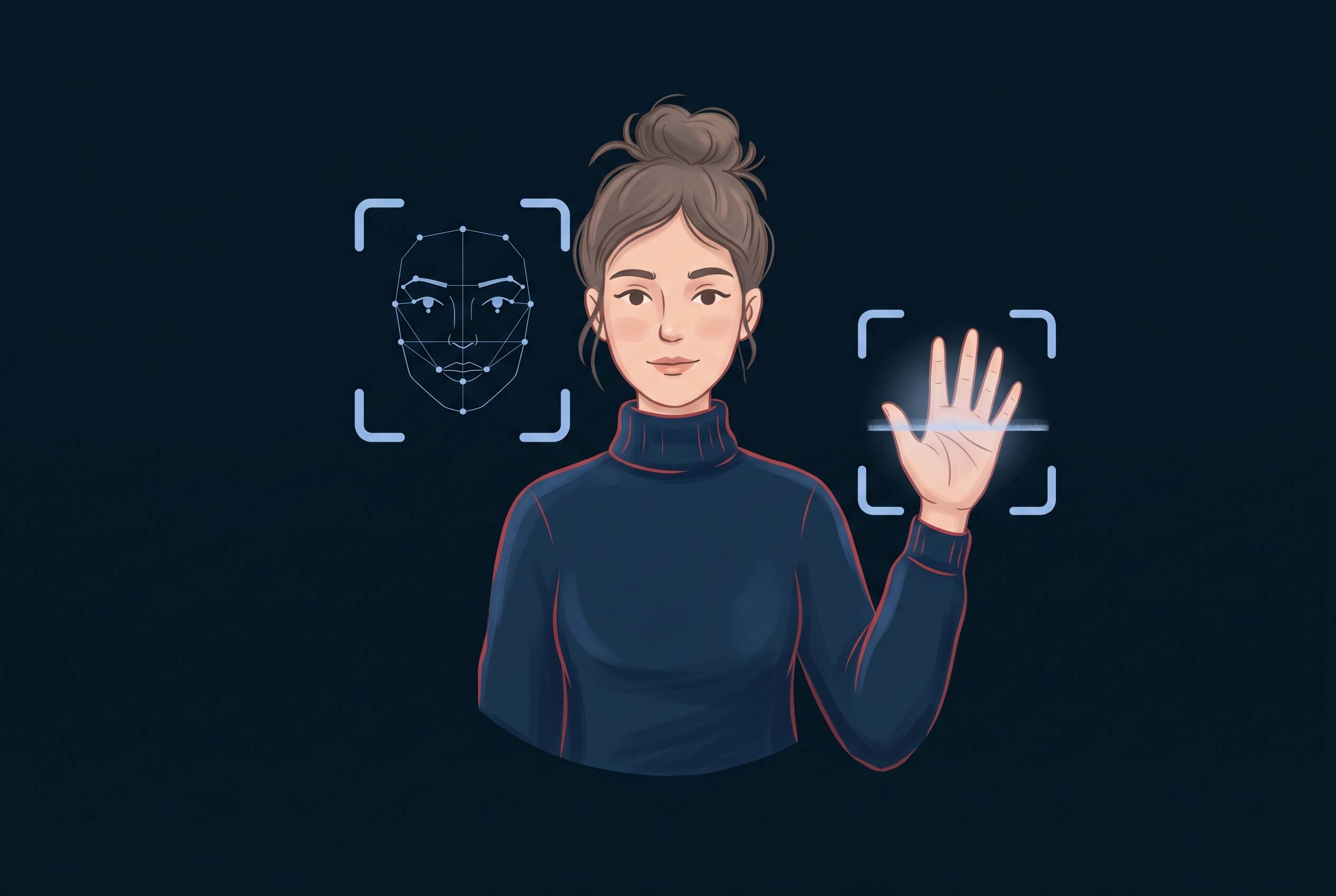
When you upload a face photo, the AI doesn't just look at your pixels. It:
- 1Detects your face — Locates the face within the image
- 2Extracts landmarks — Identifies key features (eyes, nose, mouth, jawline, cheekbones)
- 3Creates a map — Builds a digital representation of your face's geometry
- 4Applies transformation — Uses that map to apply effects or generate variations
- 5Renders the result — Outputs your transformed image
This is why the apps work on different angles and lighting conditions. They're not matching pixels. They're mapping your face's unique structure.
Hand and palm analysis
Palm readers use a similar process:
- 1Hand detection — Locates the hand in your photo
- 2Feature extraction — Identifies vein patterns, finger shapes, palm lines
- 3Data analysis — Analyzes patterns against AI-trained databases
- 4Output generation — Produces personality or fortune prediction
The "reading" isn't real palmistry. It's pattern matching against data the AI has been trained on.
Cloud processing
Here's the key detail: most of this processing happens on the company's servers, not your device. Your photo leaves your phone and goes to a cloud server where:
- The transformation or analysis is processed
- Your image data is stored (temporarily or permanently)
- Metadata is logged (device info, location, timestamp, IP address)
- Results are generated and sent back to you
This cloud processing is why the results are so fast and high-quality. It's also why your biometric data leaves your control.
What Data These Tools Really Collect
When you upload a photo to an AI face editor or palm reader, you're sharing more than just an image.
Facial biometric data
The app captures:
- Facial landmarks — Eyes, nose, mouth, jawline, forehead (geometric measurements)
- Skin texture — Detailed information about your skin surface
- Unique identifiers — The specific proportions that make your face yours
- Expression data — Whether you're smiling, surprised, neutral
This data isn't a photo. It's a digital map of your face's unique characteristics. This map can be used to identify you in other photos, compare you to databases of other faces, or create deepfakes using your biometrics.
Hand and palm biometric data
Similarly, hand photos provide:
- Vein patterns — Unique to each person (even twins differ)
- Finger shapes — Length, width, knuckle patterns
- Palm lines — Life line, heart line, head line measurements
- Hand geometry — Overall hand shape and proportions
Like facial biometrics, hand data is permanent and unique. Once captured, it's a reliable identifier.
Additional metadata
Beyond the actual image, apps typically log:
- Device information — Phone model, OS version
- Location data — GPS coordinates when photo was taken
- IP address — Your internet connection's address
- Timestamp — When you uploaded the photo
- Behavioral data — How long you spent in the app, which transformations you tried
Where this data lives
After collection, your data is typically:
- Stored on company servers — For how long? Privacy policies vary (often vague)
- Used for AI training — Your face becomes training data for future AI models
- Potentially shared — With partners, advertisers, or data brokers (check privacy policy)
- Vulnerable to breach — If the company is hacked, your face is compromised
The privacy policy gap
Most users don't read privacy policies. If they did, they'd find language like:
"We may use your photos to improve our services and train AI models."
Translation: Your face is training data, potentially used indefinitely.
The Privacy Risks Nobody Talks About
Here's what most users don't realize when they upload their face to a trending app.
Risk 1: Facial data is permanent
Unlike a password you can reset or a credit card you can cancel, facial biometric data is permanent. If someone steals your face data, you can't get a new face. You can't reset it. You can't undo it.
Worse, facial data is unique. Your face is one of billions. Once mapped, it's a permanent identifier that can be used to find you in other photos, databases, or systems for decades.
Risk 2: Your face becomes training data
When you upload your face to an AI tool, the platform often uses it to train their AI models. This happens without explicit, informed consent. Your face — and the faces of millions of other users — become the dataset that trains the next generation of AI.
This means:
- Your face could be used to teach AI to recognize emotions, predict behaviors, or generate deepfakes
- The AI trained on your face may be sold to third parties
- You have no control over what's trained on your face or how it's used
Risk 3: Third-party sharing and data brokers
Privacy policies often include clauses allowing data sharing with:
- Advertising partners — Who use facial data to build consumer profiles
- Data brokers — Companies that buy and sell personal data
- Research institutions — Universities and AI labs
- Government entities — Law enforcement with a warrant (or without, depending on jurisdiction)
Your face, sold to the highest bidder.
Risk 4: Merged facial recognition databases
When you upload your face to multiple apps, each company stores and can analyze that facial data. If databases are breached, merged, or shared, a single photo of your face could be linked to:
- Your location history (from metadata)
- Your social media accounts (from linked sign-up)
- Your financial information (if shared across platforms)
- Your searches and interests (from behavioral tracking)
Your face becomes a key that unlocks your digital identity.
Risk 5: Deepfake vulnerability
Here's the dangerous one: if your facial biometric data is stolen, it can be used to create deepfakes. Someone with your facial data can:
- Superimpose your face onto videos of others
- Create fake videos of you saying things you never said
- Generate authentic-looking photos of you in compromising situations
Deepfakes created using stolen facial data are harder to detect and dispute than those made from public photos alone.
Risk 6: Identity compromise across systems
Facial biometrics work across systems. Once your face is in a database, it can be:
- Matched against airport security systems
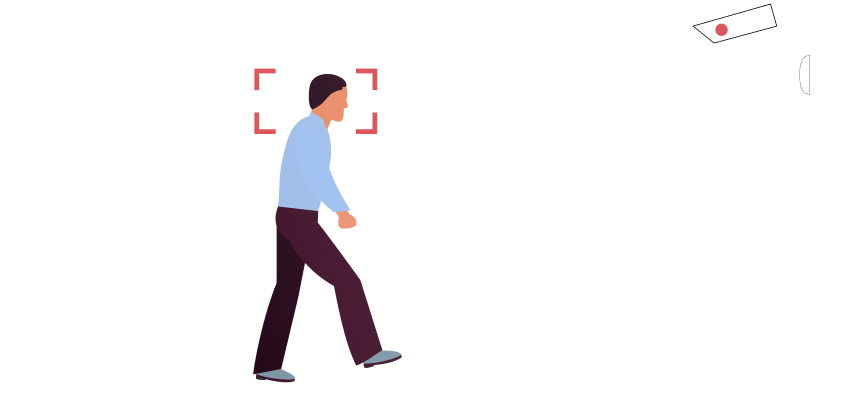
- Scanned in retail environments for behavior tracking
- Compared against law enforcement databases
- Used in employment screening
- Matched in financial transaction systems
Your face becomes a key that opens access to multiple systems you never consented to.
Facial and hand biometric data is permanent. Unlike a password you can reset or a credit card you can cancel, you can't get a new face. Once your facial data is captured, it can be used to identify you for decades.
Real-World Examples of Data Misuse
This isn't theoretical. Biometric data breaches and misuse have happened repeatedly.
Case Study: Clearview AI and Mass Law Enforcement Surveillance
In 2020-2022, Clearview AI scraped over 20 billion photos from social media, dating apps, mugshots, and driver's licenses without consent. They built the largest facial recognition database in the world and sold access to law enforcement agencies.
The result: Police departments across the US used Clearview to identify suspects in criminal investigations. Some innocent people were identified as suspects based on false matches. The problem: Most people in this database never consented. Their faces were taken and used for purposes they never agreed to.
This is happening right now. If your face is on social media, there's a high probability it's in Clearview's database — and law enforcement may have access to it. When you upload your face to an AI face editor, the same risk applies: your biometric data enters systems you don't control.
How to Use These Tools Safely (If You Choose To)
You have options. From "don't upload at all" to "protect yourself if you do."
Option A: Don't upload your real face (safest)
How: Use a cartoon avatar, illustration, or stock photo instead of your real face.
Why it works: If you don't upload your actual facial biometrics, the app can't capture data that identifies you. You get the fun without the privacy cost.
Tradeoff: The transformation won't actually look like you. But you're protected.
Option B: Multi-layer protection (if you choose to upload)
If you decide to upload your real face, reduce risk by:
Before uploading:
- Use a VPN — Masks your IP address so the app can't geolocate you
- Disable location services — Turn off GPS on your device before uploading
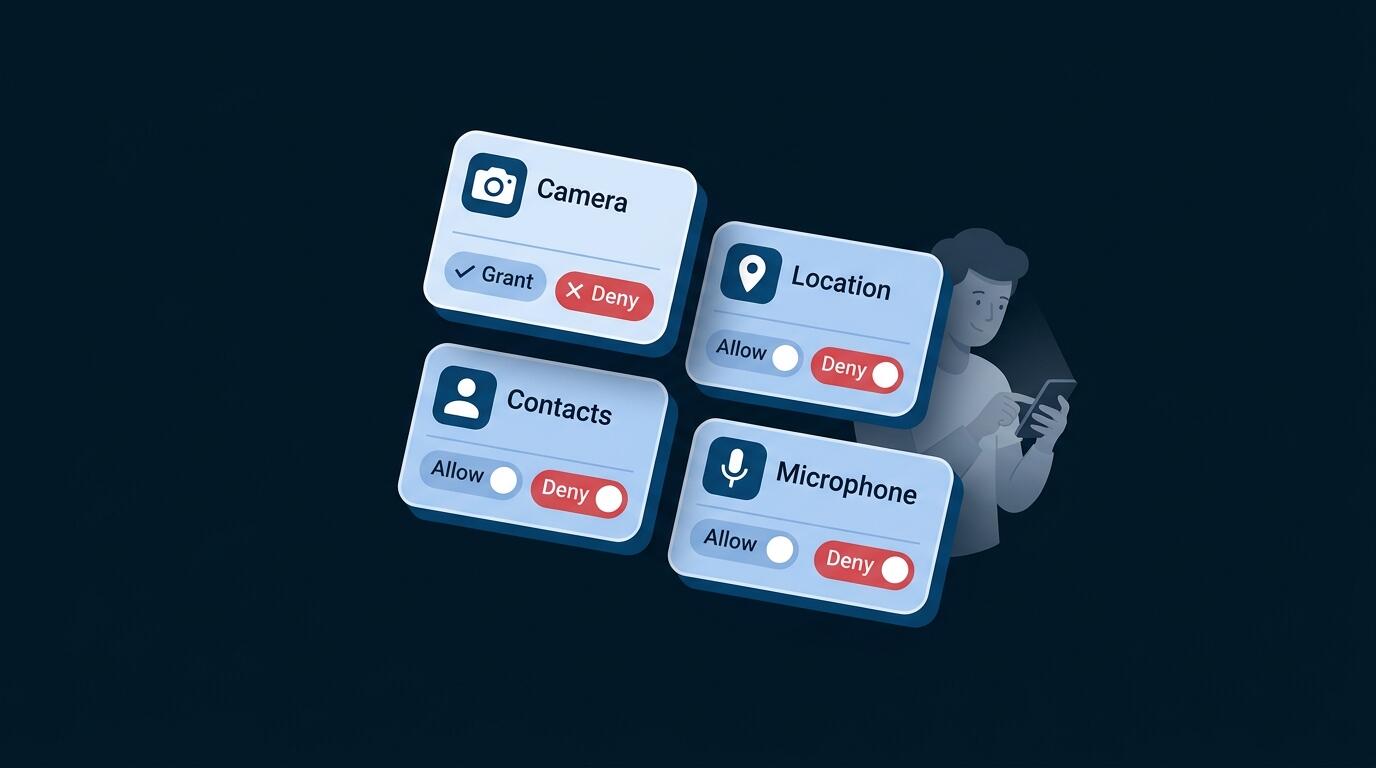
- Don't allow app permissions — Restrict access to your photo library, contacts, or location
- Use a separate email — Create an account not linked to your identity
- Check the privacy policy — Look for RED FLAGS or GREEN FLAGS
After uploading:
- Screenshot your results — Don't rely on the app to keep them
- Delete the photo from their servers — Check if the app offers a delete option
- Don't sync or link accounts — Don't connect to social media through the app
- Don't use the free version if possible — Paid versions sometimes have stricter privacy practices
Option C: Choose safer platforms
Questions to ask before uploading:
- Does the company delete facial data after processing?
- Do they sell data to third parties?
- Is the company based in a country with strong privacy laws?
- Have they had any data breaches?
- Do they use facial data for AI training?
Avoid:
- Face-swapping tools specifically (deepfake vulnerability)
- Apps that require extensive permissions
- Apps from companies with known privacy violations
- Apps that require payment or credit card information
Don't upload your real face. Use a cartoon avatar, anime filter, or stock photo instead. You get the fun of the transformation without exposing your biometric data to privacy risks.
How VPN UK Helps Protect You
VPN UK isn't a magic fix for facial biometric data — once you upload your face, that data is captured. But it does add a meaningful layer of protection by masking your location and connection. Here's what that actually protects:
What VPN UK protects
Masks your IP address. When you upload a photo to an AI tool, that tool can see your IP address. This reveals your general location and can be linked to your identity. A VPN masks this, making it harder for the platform to know where you're connecting from.
Encrypts your connection. VPN UK encrypts your data so your internet provider can't see which AI tools you're accessing or what you're uploading. This prevents ISP-level tracking of your activity.
Reduces identity linking. Without a VPN, your real IP, location, and browsing data can be correlated with your facial biometric data. A VPN breaks this connection, making it harder for platforms to build a complete profile of you.
Works on all devices. VPN protection covers your phone, tablet, and computer, securing all connections to AI tools.
What VPN UK does NOT protect
Important: VPN is one layer, not the complete solution.
A VPN does not:
- Prevent facial data collection once you upload
- Stop the platform from storing your face
- Protect against misuse of your data after collection
- Prevent deepfakes from stolen facial data
- Hide the photo itself (only the connection to the app)
VPN as part of a multi-layer approach
Best privacy practice is multi-layered:
- Layer 1: Don't upload real face (or use cartoons/avatars)
- Layer 2: Use a VPN (masks IP and encrypts connection)
- Layer 3: Privacy settings (limit app permissions, disable location)
- Layer 4: Platform choice (choose apps with strong privacy practices)
Protect yourself with Layer 2 protection. It's essential, but not sufficient alone.
Frequently Asked Questions
Probably not permanently. Privacy policies often state data is retained for AI training "indefinitely." Even if you request deletion, copies may remain in training datasets or backups. Best practice: avoid uploading your real face.
Yes, using them is legal. But privacy risks exist regardless of legality. The question isn't "is it legal" but "do I understand the privacy implications?"
Personal choice. If you enjoy them, understand the risks and use multi-layer protection. If privacy is your priority, use cartoons or avatars instead of real faces.
Because it's biometric and permanent. You can change your password or cancel a credit card. You can't get a new face. Biometric data is a permanent identifier that works across systems and can't be reset.
Can't undo it. Protect going forward: use VPN for future uploads, use avatars instead of real faces for new accounts, monitor for identity theft, and be aware your facial data is in circulation.
Both collect biometric data. Face editors have more incentive to use data for AI training (facial recognition is more valuable). Palm readers are often less sophisticated about data handling. But both pose privacy risks.
Yes. If your facial biometric data is stolen, someone with technical skills can create deepfakes. Deepfakes made from biometric data are more authentic-looking than those made from public photos alone.
Not necessarily. Popular apps have more users and more data to monetize. Being popular doesn't mean better privacy. Check the privacy policy, not the download count.