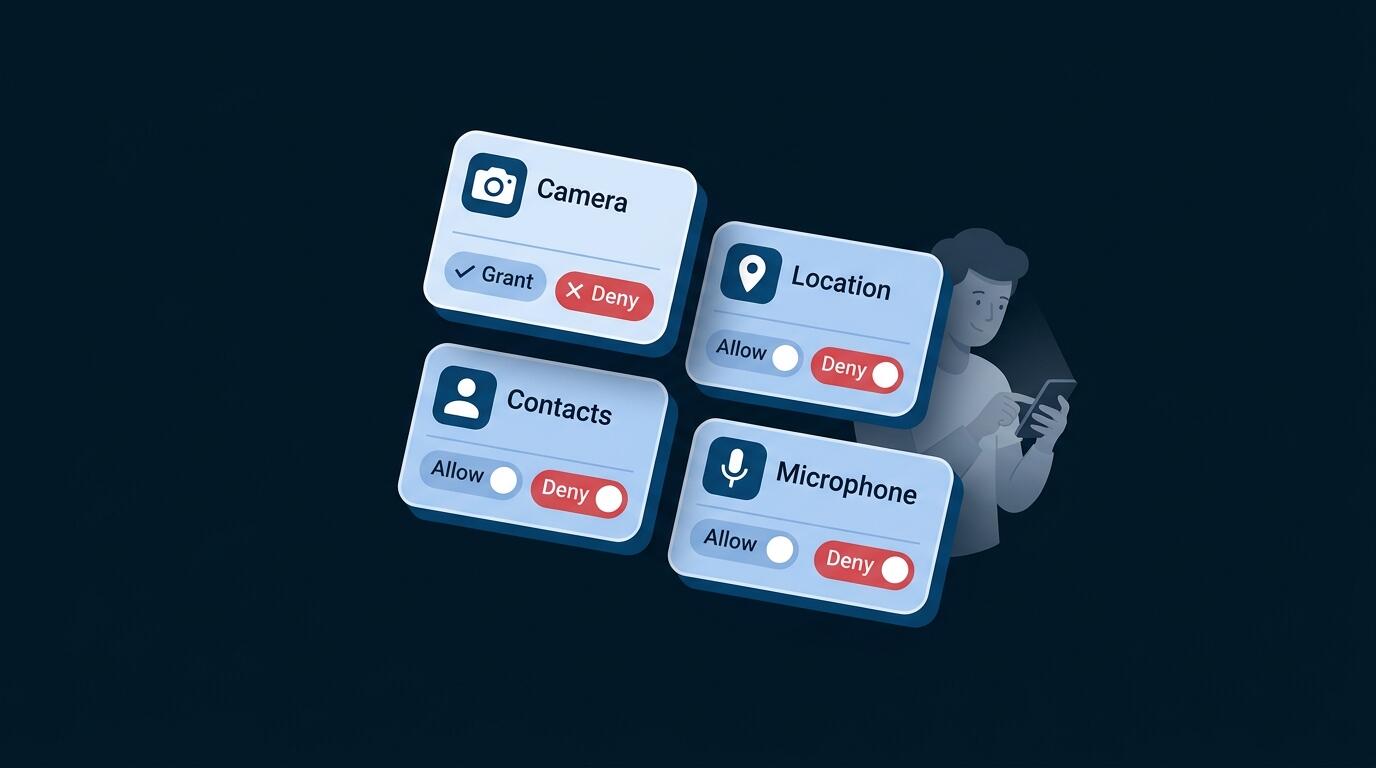
Your smartphone knows where you go, who you talk to, what you buy, what you search, who your friends are. It's tracking you constantly. Here's exactly what's happening on your phone—and exactly how to stop it.
What Your Smartphone Knows About You: Device Privacy Explained
Your smartphone is the most intimate device you own. Unlike a laptop that stays on your desk, your phone is with you everywhere—recording a detailed map of your life.
Location Data
GPS, cell tower triangulation, and WiFi location services give your phone precise knowledge of everywhere you go. Your phone knows your home address (where it connects to WiFi every night), your workplace (where it spends 8 hours daily), your gym, your doctor's office, your favorite restaurants, and everywhere in between.
Behavioral Data
Your search history, browsing patterns, and purchase behavior paint a detailed portrait of your interests, concerns, and habits. What you search for when you think you're alone reveals your health concerns, financial anxieties, relationship problems, and secret interests.
Identity Information
Your contacts list, email accounts, and social media connections are all accessible to apps. Your phone knows your closest relationships and how frequently you communicate.
Communications
Call logs, messages, and messaging app content are available to apps with permission. Even encrypted apps like WhatsApp can see metadata (who you messaged, when, how often).
Biometric Data
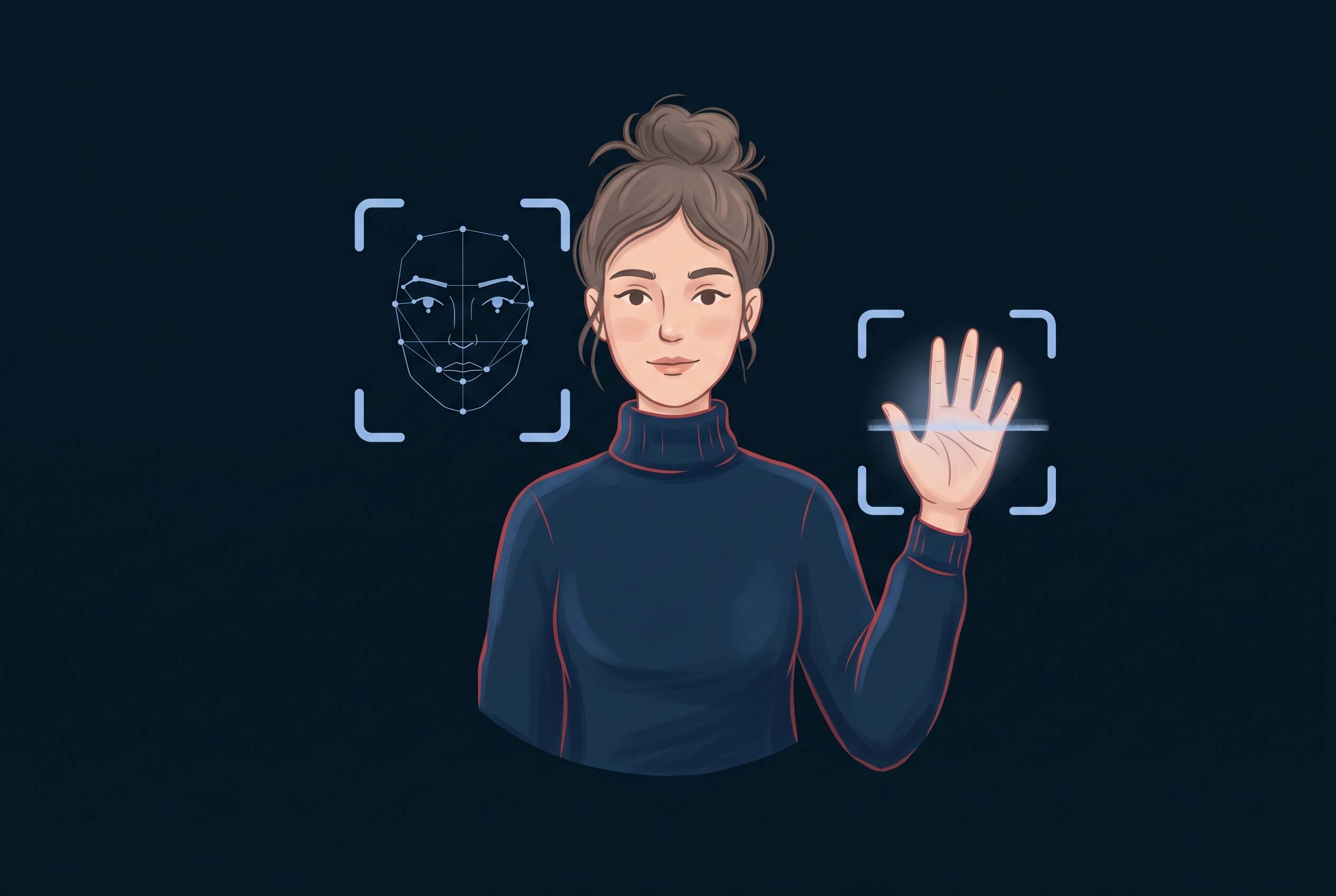
Fingerprints, face recognition data, and iris scans are stored on your device. Apps can request biometric authentication access.
Health and Activity Data
Fitness trackers, health apps, and device sensors record your steps, exercise routines, heart rate, sleep patterns, and menstrual cycles. This data is incredibly personal and increasingly valuable to insurers and advertisers.
The Scale of Smartphone Tracking
Your phone generates approximately 2.5 gigabytes of personal data monthly—the equivalent of thousands of pages of private information. This happens automatically, without your awareness.
The average smartphone user has 90 apps installed. Studies show that 60% of installed apps collect location data, and over 80% collect unique device identifiers for tracking. This means most users are being tracked by dozens of apps simultaneously, usually without fully understanding what they've permitted.
How Mobile Apps Track You
Apps don't ask politely for data access. They request permissions, and most users grant them without understanding what they're actually allowing.
App Permissions Explained
When you install an app, you grant it specific permissions. Here's what each major permission actually means:
Location Permission
"Access to your location" means the app can see your GPS coordinates in real time, your location history, and everywhere you go. "Always" permission means the app tracks you even when you're not using it. "Only While Using" limits tracking to when the app is open.
Camera and Microphone Permission
These permissions grant the app access to your device's camera and microphone. Theoretically, apps should only use these when you're actively recording. In practice, poorly coded or malicious apps can access these sensors without your knowledge.
Contacts and Calendar Permission
The app can read your entire contact list and calendar. It knows who your close friends are, who you're dating, your work meetings, and your personal appointments.
Photo Library and Files Permission
Apps can browse your photos, documents, and files. They can copy sensitive images and documents.
Background App Refresh
Even when you're not using an app, it runs in the background, collecting location data and uploading information to its servers.
Clipboard Access
Some apps request access to your clipboard—the information you copy and paste. One app copied sensitive information from users' clipboards every few seconds.
What Location Tracking Reveals
Location data might seem harmless. Your phone knows where you are. So what?
Location tracking reveals everything about your life that you consider private.
Your Daily Patterns
Tracking your location over days and weeks reveals your home address, workplace, gym, favorite coffee shop, and regular hangout spots. Your phone creates a detailed pattern-of-life profile that shows exactly where you go and when.
Sensitive Locations
Location history reveals when you visit hospitals (health conditions), places of worship (religious beliefs), political protests (activism), abortion clinics, therapists' offices (mental health concerns), and dating venues (sexual orientation, relationship status).
Your Relationships
By analyzing whose locations you visit, authorities and advertisers can infer who your close friends and family are. Frequent visits to someone else's home imply a personal relationship.
Inferred Interests
If you regularly visit bookstores, fitness centers, and vegan restaurants, your location tells a story about your interests and values.
Real Privacy and Safety Risks
Location data is bought and sold. Stalkers, harassment victims, and privacy-conscious individuals are all victims of location tracking. If your location data leaks, malicious actors know exactly where to find you.
Who's Tracking You
You're not being tracked by one entity. You're being tracked by a complex ecosystem of companies, all collecting data about you.
Operating Systems
Google Android collects location data, search history, and app usage to improve services and sell targeted ads. Apple iOS collects less invasive data, but still collects app usage and some location information.
App Developers
Every app you install collects data. Some collect what's necessary for their service. Others collect everything possible to build detailed profiles for advertising purposes.
Advertisers and Ad Networks
Even if you don't install an advertising app, ad networks track you across multiple apps through hidden identifiers. Facebook and Google reach over 3 billion people globally through their ad tracking networks.
Data Brokers
Specialized companies aggregate data from thousands of sources and sell detailed profiles of millions of people. Your location, interests, and behavior are packaged and sold to marketers, political campaigns, and sometimes law enforcement.
ISPs and Network Providers
Your internet service provider and mobile carrier see which websites and apps you use, even if traffic is encrypted. They can see you visited a medical website or dating app, even if they can't see the specific pages.
Government Data Requests
Law enforcement can request location data, call logs, and message metadata from your carrier and app companies. Some countries conduct mass surveillance.
Third-Party Trackers
Analytics companies like Google Analytics and Mixpanel track user behavior across apps and websites. These invisible trackers are embedded in apps and websites you use daily.
Real Smartphone Privacy Risks
Understanding tracking is one thing. Understanding the consequences is another.
Data Breaches and Dark Web
Stolen phone data ends up on the dark web and is bought by criminals. Breached location data, contacts, and personal photos are sold for pennies. Criminals use this data to target you with scams.
Targeted Attacks
With detailed knowledge of your behavior and relationships, scammers can craft incredibly convincing messages. They know you visit a specific bank and craft phishing messages that look authentic.
Identity Theft
Your stolen biometric data, payment methods, and personal information are used to impersonate you, open fake accounts, and steal from you.
Financial Fraud
Payment information and banking apps are targets. Stolen credit card data is used for fraudulent purchases.
Stalking
Ex-partners, harassment victims, and vulnerable people are targeted using stolen location data. Your location history can be used to find you.
Manipulation
With detailed profiles, companies and political operatives can target you with tailored content designed to influence your decisions, opinions, and purchases.
Corporate Espionage
If you work in sensitive industries, your phone's location data and communications could reveal trade secrets to competitors.
Price Discrimination
Dynamic pricing algorithms use your profile to determine what price to show you. Someone with a higher inferred income sees higher prices.
Device privacy settings are your foundation. They control what apps on your phone can access. But they don't protect you from your ISP, network provider, or websites you visit. A VPN adds an essential external layer of protection by encrypting your traffic and hiding your IP address. Consider device settings and VPN as complementary, not competing, protection.
Privacy Settings for Android
Android offers granular privacy controls. Most users never find them.
App Permissions Control
- 1Open Settings → Apps & notifications
- 2Select each app and tap Permissions
- 3Grant only permissions necessary for the app's function
- 4For sensitive permissions (location, camera, microphone), choose Allow only while using the app
Location Services Settings
- 1Open Settings → Location
- 2Toggle location off globally, or manage by app
- 3For each app, set to Don't allow or Allow only while using the app
- 4Disable Google Location Accuracy (which uses WiFi and cell data to pinpoint location even when GPS is off)
Google Play Services Privacy
- 1Open Settings → Apps & notifications → App permissions → Location
- 2Scroll to Google Play Services
- 3Set to Don't allow or Allow only while using the app
- 4Open Settings → Google → Manage your Google Account
- 5Go to Data & Privacy → Web & App Activity and toggle off
Diagnostic Data and Crash Reporting
- 1Open Settings → Google → Manage your Google Account → Data & Privacy
- 2Turn off Web & App Activity and Location History
Cookie and Site Data Management
- 1Open Chrome → Settings → Privacy and security → Clear browsing data
- 2Select All time and check Cookies and site data
- 3Toggle Third-party cookies off
Unnecessary App Removal
Go through your apps and uninstall anything you don't actively use. Each app is a potential tracking vector.
Privacy Settings for iPhone
iPhone offers strong privacy controls that are easier to find than Android's.
App Tracking Transparency (ATT)
- 1Open Settings → Privacy & Security → Tracking
- 2Disable Allow Apps to Request to Track
- 3Review installed apps and disable tracking for each
Location Privacy
- 1Open Settings → Privacy & Security → Location Services
- 2Toggle Location Services off, or manage by app
- 3For each app, select Never, While Using, or Always
- 4For most apps, While Using is the appropriate choice
Microphone and Camera Access
- 1Open Settings → Privacy & Security → Microphone (or Camera)
- 2Review which apps have access
- 3Remove access for apps that don't need it
Photo Library Access Restrictions
- 1Go to Settings → Privacy & Security → Photos
- 2Select Selected Photos for apps that don't need full access
- 3Review which apps have access
Mail Privacy Protection
- 1Open Settings → Mail → Privacy Protection
- 2Toggle Protect Mail Activity on
- 3This prevents mail senders from seeing when you open emails and tracking your location
iCloud Privacy Settings
- 1Go to Settings → [Your Name] → iCloud
- 2Review which apps have iCloud access
- 3Disable for apps that don't need it
- 4Go to Settings → [Your Name] → iCloud → Private Relay and enable it (with iCloud+ subscription)
Siri Privacy
- 1Open Settings → Siri & Search
- 2Toggle Listen for "Hey Siri" off if you're uncomfortable with voice recording
Safari Privacy Settings
- 1Open Settings → Safari → Privacy
- 2Enable Prevent cross-site tracking
- 3Set Privacy Preserving Ad Measurement to Off
Use "Ask app not to track" for all apps requesting permission. This prevents data collection at the source and gives you granular control over who can access your personal information.
Complete Mobile Privacy Strategy
Device privacy settings are essential, but they're only half the picture. Complete mobile privacy requires a layered approach.
Layer 1: Device Hardening
Start with the privacy settings covered above. Review app permissions quarterly. Uninstall apps you don't use. Disable unnecessary features (Bluetooth, NFC, location when not needed).
Layer 2: App Minimization
Every app is a tracking vector. Reduce the number of apps installed. Use web versions of services when possible instead of apps. Uninstall optional apps.
Layer 3: VPN for Mobile Privacy
Your device privacy settings control what apps on your phone can see. But they don't control what your ISP, network provider, and websites can see.
A VPN on your mobile device protects your privacy by encrypting all your traffic, hiding your IP address and the websites and services you use from your ISP and network provider. VPN security features add a crucial external privacy layer that complements your device settings.
When to Use a VPN on Mobile
- On public WiFi (coffee shops, airports, hotels)
- On cellular networks to protect from your carrier tracking
- Always-on for continuous privacy protection
What VPN Does on Mobile
- Encrypts all internet traffic from your phone with military-grade security
- Hides your IP address from websites
- Prevents your ISP from seeing your browsing
- Protects your traffic on untrusted networks
Combining Device Settings + VPN
Your phone's privacy settings (location, app permissions) control what apps on your device can access. A VPN protects your traffic from being intercepted or monitored by your ISP and network provider.
Together, they create a complete mobile privacy strategy:
- Device settings = what apps can see
- VPN = what ISPs and networks can see
Ongoing Maintenance
Privacy is ongoing, not one-time. Review app permissions every few months. Check which apps have background access. Uninstall apps you've stopped using. Keep your operating system updated with security patches.
Frequently Asked Questions
Turning off location services helps, but it's incomplete. Apps can still access your general location through WiFi and cell data. Device privacy settings are the foundation, but a VPN adds critical external protection. Use both for complete privacy.
"Always" means the app can track your location even when you're not actively using it. "While Using" means tracking only occurs while the app is open. For most apps, "While Using" is sufficient and protects your privacy during inactive time.
Free VPNs vary widely in quality. Some are legitimate, but others harvest user data to monetize. Paid VPNs with transparent privacy policies and no logging are generally more trustworthy. Avoid free services unless you've thoroughly researched them.
Apple's privacy features are strong, but they control what apps on your phone can access. They don't protect your traffic from your ISP or network provider. A VPN adds essential external protection by encrypting your traffic and hiding your IP address.
Review permissions quarterly (every 3 months). After OS updates, apps sometimes request new permissions. When apps misbehave or drain battery, check what permissions they have. Also review before major life changes (moving, changing jobs) when your routine changes.
Yes. Location data is extremely valuable. A detailed location history can be worth $2-10 per person to advertisers. Combined with other behavioral data, it's worth more. Thousands of companies buy location data daily to target advertisements based on where people go.