Your child's online world exposes them to threats you might not see: predators, cyberbullying, location tracking, and inappropriate content. Here's how to protect them—and help them browse safely without surveillance.
Why Child Online Safety Matters
Your child's relationship with the internet is different from yours. They've never known a world without smartphones, social media, and instant connectivity. But while the internet opens doors to learning and connection, it also exposes them to risks that didn't exist a generation ago.
The statistics are sobering. Millions of children encounter online predators, cyberbullying, and inappropriate content every year. Some experience exploitation or identity theft. Others develop anxiety, depression, or screen addiction. The psychological impact can last years.
But here's what matters more: you have authority and tools to protect them.
Modern parenting requires new rules because the threats are different. Your child might seem safe in their bedroom, but they're actually in a virtual space where strangers can find them. They're on platforms designed to keep them scrolling. Apps they don't tell you about can broadcast their location to anyone. And one screenshot of something they share can follow them forever.
This isn't about fear. It's about understanding the landscape so you can navigate it confidently with your child.
Online Threats Children Face
Predators and Grooming
Online predators aren't always obvious. They pose as peers, build trust over weeks or months, isolate children from parents, and escalate inappropriate conversations. Warning signs include requests for photos, private conversations, and secrecy.
Cyberbullying
Bullying online is different from playground bullying. It's permanent, public, and follows children home. A cruel comment or embarrassing photo can be shared to hundreds of people within minutes. The impact—anxiety, depression, even self-harm—can be severe.
Inappropriate Content
Adult content, violence, and self-harm material are easily accessible. Even accidental searches can expose children to material they're not ready for. Algorithms often recommend increasingly extreme content, creating a pathway deeper into harmful material.
Location Tracking
Many apps reveal a child's location to their contacts, or to anyone who gains account access. Maps, social media, and gaming platforms broadcast where your child is. Predators use this information to target vulnerable children.
Scams and Fraud
Romance scams, prize scams, and cryptocurrency schemes target young people. Children often trust what they see online and don't recognize manipulation. Stolen credentials or accounts lead to fraud that damages their future.
Exploitation
Some children are targeted for sexual exploitation or sextortion (threats to share explicit images unless money is paid). Once shared, these images circulate and cause lasting trauma.
Social Media Dangers
Oversharing reveals personal details. Fake profiles are used to deceive children. Influencers encourage risky behavior. Algorithm-driven content keeps children engaged but often distressed.
Screen Time and Addiction
Gaming and social media are designed to be addictive. Some children develop compulsive use patterns that damage sleep, schoolwork, and offline relationships.
Understanding Online Predators
Predators target children on popular apps: Discord, TikTok, Roblox, Snapchat, and gaming platforms. They create fake profiles, find vulnerable children (those seeking friendship or showing insecurity), and begin grooming.
The process is methodical. It takes weeks or months. They compliment the child, listen to their problems, and offer understanding. They build trust, then gradually introduce sexual conversation, request photos, and arrange offline meetings.
Watch for warning signs: secretiveness, new "online friends," mood changes, requests to delete messages, or unexplained devices/accounts.
Most predators operate on platforms because they provide scale. They can find hundreds of potential targets and invest time in the most vulnerable ones.
If you suspect predation, document evidence, report to the platform, contact local law enforcement, and report to CEOP (Child Exploitation and Online Protection Command).
Cyberbullying: Recognition and Prevention
Cyberbullying includes cruel texts, embarrassing photos, spreading rumors, exclusion from group chats, and impersonation. It happens on social media, gaming platforms, and messaging apps.
The impact is real and lasting. Bullied children experience anxiety, depression, and in severe cases, self-harm. Unlike offline bullying, cyberbullying is permanent, has a wider audience, and often involves anonymity (which emboldens bullies).
Recognize signs: withdrawal, mood changes, reluctance to use devices, anxiety about phone notifications, or sudden account deactivation.
If your child is bullied, take it seriously. Support them emotionally. Document the bullying. Report to the platform. Contact the school. If the behavior is severe or criminal, involve police.
If your child is the bully, address it without shame. Help them understand impact, restore relationships, and develop empathy.
Age-Appropriate Internet Rules
Ages 5-10: Supervised Browsing
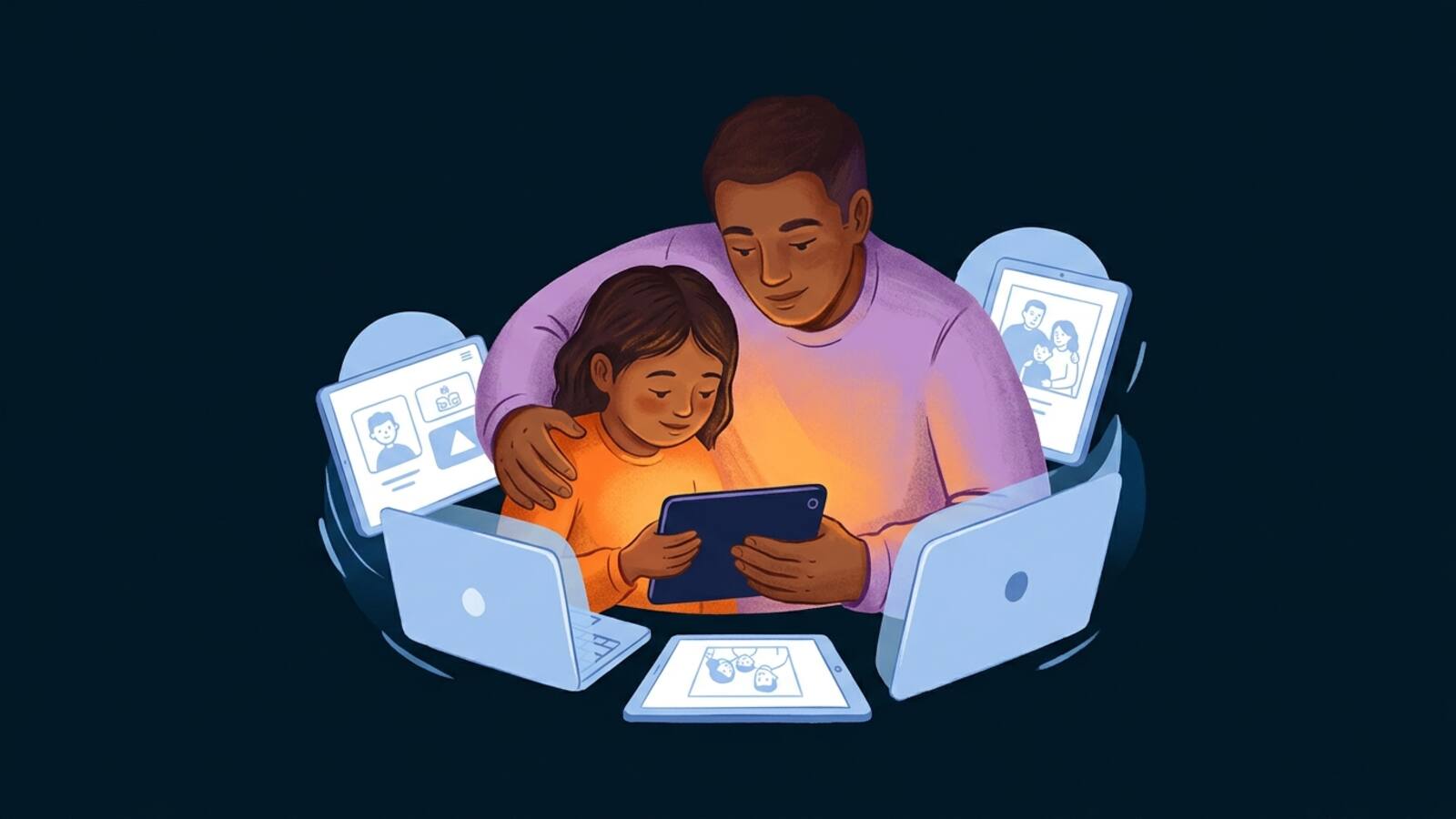
Children this age need active parental supervision. Recommend platforms like YouTube Kids and Netflix Kids with parental controls. Set time limits (1-2 hours daily). Use kid-safe browsers. Talk openly about what they're watching.
Rules should be clear: no sharing personal information, no talking to strangers, ask before downloading anything. Make it feel like guidance, not surveillance.
Ages 10-15: Growing Independence
This is when children often get their first phone and social media. Start with accounts on Instagram or TikTok, but set it private. Require parental follow. Discuss the risks of predators, scams, and inappropriate content.
Allow increasing independence but maintain check-ins. Help them understand how algorithms work and why platforms recommend content. Discuss location sharing on Snapchat or Find My Friends (disable if not needed).
Monitor their friends list and followers. Talk about privacy settings regularly. Make it clear you're available if they encounter something uncomfortable.
Ages 15-18: Trust and Preparation for Independence
Older teens need privacy, but also preparation for independent online life. Discuss digital footprint permanence—what they post now can affect future college admissions or jobs. Talk about consent in online sharing (never share others' photos without permission), online relationships, and recognizing manipulation.
Teach them to question information online, recognize scams, and protect their accounts with strong passwords. Discuss healthy screen time and warning signs of addiction. Model the digital citizenship you're teaching.
Parental Control Tools and Settings
Device-Level Controls
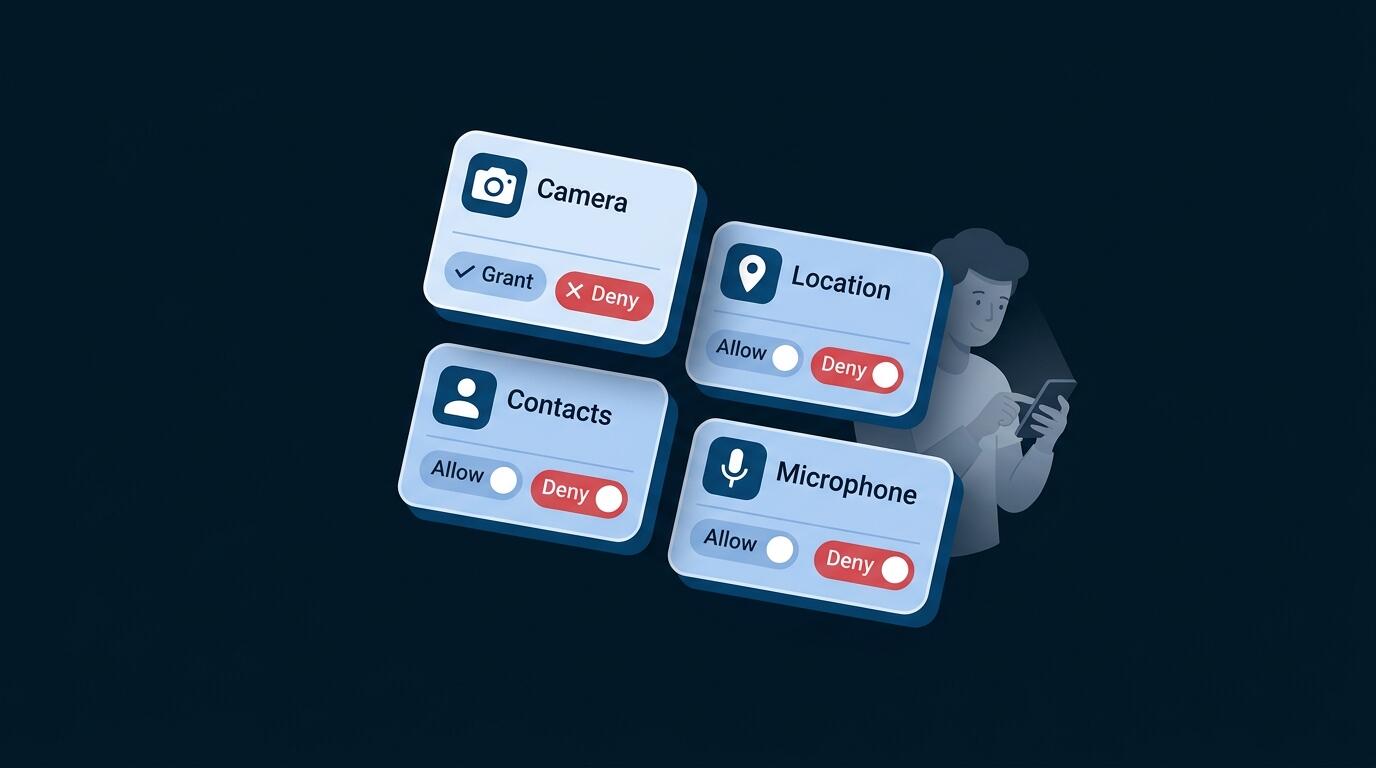
- iPhone: Use Screen Time to set app limits, downtime (when device is unavailable), and restrict specific apps or content types.
- Android: Google Family Link lets you manage apps, set time limits, lock the device remotely, and see location.
- Windows & macOS: Built-in parental controls allow screen time limits and app restrictions.
App-Level Controls
- YouTube Kids filters age-appropriate content
- TikTok's family pairing mode lets you supervise activity
- Instagram Teen Accounts have restricted DM access
- Snapchat allows privacy settings limiting stranger contact
- Discord has moderation and safety features
Router-Level Controls
Use DNS filtering (OpenDNS, Cloudflare for Families) to block adult sites at the network level. Set bedtime when internet shuts off automatically. Block specific devices during homework time.
Summary of Effective Tools
Google Family Link (Android) and Apple Screen Time (iOS) provide solid, free parental controls. Router-level DNS filtering blocks adult sites network-wide. The most important tool remains open communication—children who trust you report problems.
Communication-Based Approach
The most effective strategy combines tools with open conversation. Regular check-ins about online experiences, friends, and challenges create a safe space for children to report problems without fear.
VPN for Family Safety
A VPN (Virtual Private Network) is one layer in a comprehensive family safety strategy. Here's what it does and doesn't do.
How VPN Helps:
When your family uses VPN UK's connection protection, children's internet connections are encrypted and their IP address is hidden. This prevents your ISP from monitoring what your child browses, and makes location tracking from ISP-level more difficult.
On public WiFi (school, café, library), VPN ensures secure browsing by encrypting all data. Predators and scammers can't intercept passwords or personal information.
VPN Limitations:
VPN doesn't prevent app-level tracking (many apps track children regardless of VPN). It doesn't filter content, block predators, or prevent cyberbullying. It's not a substitute for parental controls.
Family VPN Setup:
Set up VPN at the router level (protects all family devices) or on individual devices. Pair with parental controls and open communication for a layered approach.
VPN Complements, Doesn't Replace:
VPN's family safety features include no-logs policies that ensure your data isn't stored or exposed. But VPN works best alongside parental controls, not instead of them.
No tool—parental controls, VPN, or monitoring app—is a complete solution. They work best alongside open communication, trust-building, and teaching digital citizenship. The foundation is relationship, not technology.
Teaching Digital Citizenship
The most important protection you can offer is teaching your child to think critically online.
Critical Thinking
Teach them to evaluate sources, recognize misinformation, understand that algorithms show them what keeps them engaged (not what's true), and spot scams. Model this behavior in your own online activity.
Privacy Awareness
Help them understand what information shouldn't be shared: their location, school name, full address, phone number, or anything that could identify them offline. Discuss digital footprint permanence—everything online can be screenshot and stored forever.
According to Internet research, over 70% of children have encountered inappropriate content online, yet fewer than 30% tell a parent. Open communication is your best protection tool.
Healthy Online Habits
Balance screen time with offline activities. Sleep, outdoor play, and face-to-face friendships are essential. Watch for addiction signs: anxiety when separated from their device, neglecting schoolwork or sleep, or isolation from friends.
Respectful Online Behavior
Discuss how comments and posts affect others. Teach them that what seems funny might hurt someone. Encourage them to stand up against bullying, even as a bystander.
Encouraging Conversation
Create a safe space where they can ask questions without judgment. Regular family discussions about online experiences—good and challenging—help them process what they encounter. Be the person they trust with problems.
Building this trust takes time. Children need to know that reporting a problem won't result in punishment or device loss. Frame online safety as a team effort: "If you see something concerning, tell me so I can help. I'm not here to get you in trouble—I'm here to keep you safe."
Instead of "Don't go online," teach "Here's how to go online safely." Children who understand why rules exist follow them better than those who just follow orders. Regular conversations about their online experiences build trust and keep you informed.
Frequently Asked Questions
There's no magic number. Consider maturity level, ability to follow rules, and your family's needs. Many experts suggest waiting until ages 12-14. When they do get one, start with limited internet access and parental controls.
Yes, especially when young. Follow them, check in occasionally, and discuss what they're posting. As they age, discuss privacy expectations. The goal is trust, not surveillance.
Use factual, age-appropriate language. Explain that some people online aren't who they pretend to be, and that real friends don't ask for secrets from parents or request photos. Make it a conversation, not a lecture.
Stay calm. Thank them for telling you. Don't blame them. Document what happened. Report to the platform. Involve police if it's criminal (threats, explicit images, contact attempts). Get professional help if your child is traumatized.
It depends on your approach. Light monitoring (app limits, time controls) helps younger children. Deeper monitoring (message logging, location tracking) should be transparent and decrease with age. The goal is protection, not control.
No. VPN protects connection privacy but doesn't block predators, filter content, or prevent bullying. Use both: parental controls to manage what they access, VPN to protect connection privacy.
Experts recommend 1-2 hours daily for children under 12, with older teens self-regulating. More important than the number is the type of content and the presence of offline activities.
Google Family Link (free, Android) and Apple Screen Time (free, iOS) are excellent built-in options. These free tools from the device makers provide solid monitoring and control without third-party apps.