Right now, someone knows where you are.
In 5 minutes, they'll know where you're going.
In one week, they'll have a complete map of your life.
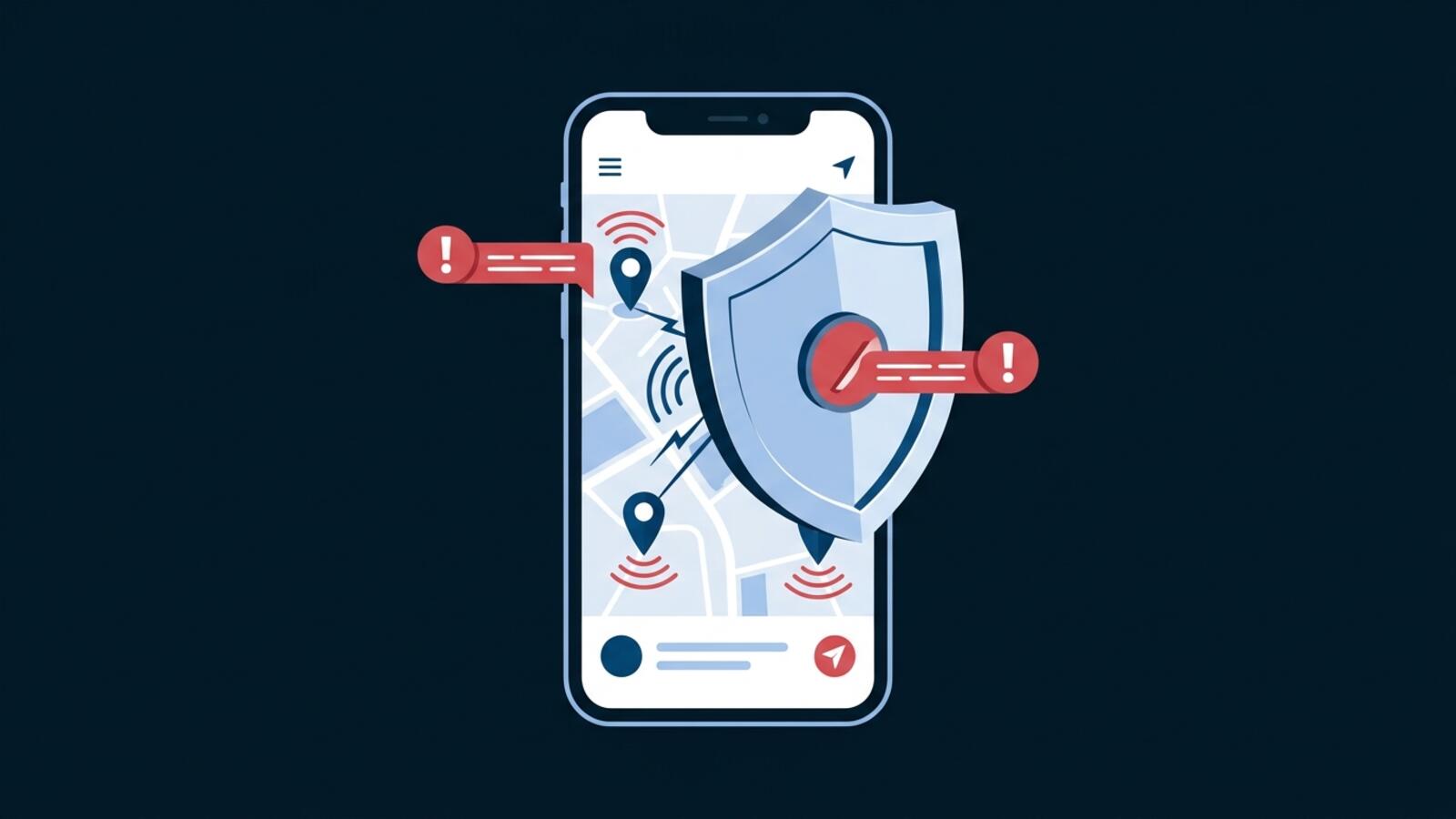
Your phone is constantly broadcasting your location to apps, advertisers, governments, and data brokers. Here's how to stop it—and take back your privacy.
Why Location Tracking Matters
Location is the most sensitive piece of personal data your phone collects. It reveals not just where you are, but where you've been, where you go regularly, and patterns that define your life—your home address, workplace, gym, church, political rallies, doctor's offices, everything.
This information is valuable. Advertisers want it to send you targeted offers based on where you shop. Governments want it for surveillance. Data brokers collect and sell it for profit. And hackers want it because location data, combined with other information, enables stalking and real-world harm.
What location data reveals: Your complete behavioral profile. Where you live, work, socialize, worship, seek medical care, and spend your time. Location history shows patterns that reveal relationships, habits, beliefs, and vulnerabilities.
Privacy risks: Location tracking enables targeted advertising, behavioral profiling, price discrimination, and real-world stalking. If your location history is breached, it becomes a detailed record of your personal life accessible to criminals.
Real-world impact: Insurance companies use location data to adjust premiums. Advertisers track your location to offer discounts only in wealthy neighborhoods and higher prices in less affluent areas. Employers use location history in hiring decisions. Governments track protesters and political opponents.
The scale is staggering. Your phone generates billions of location data points daily across millions of devices, aggregated into massive databases sold and traded without your explicit consent.
Who's Tracking Your Location
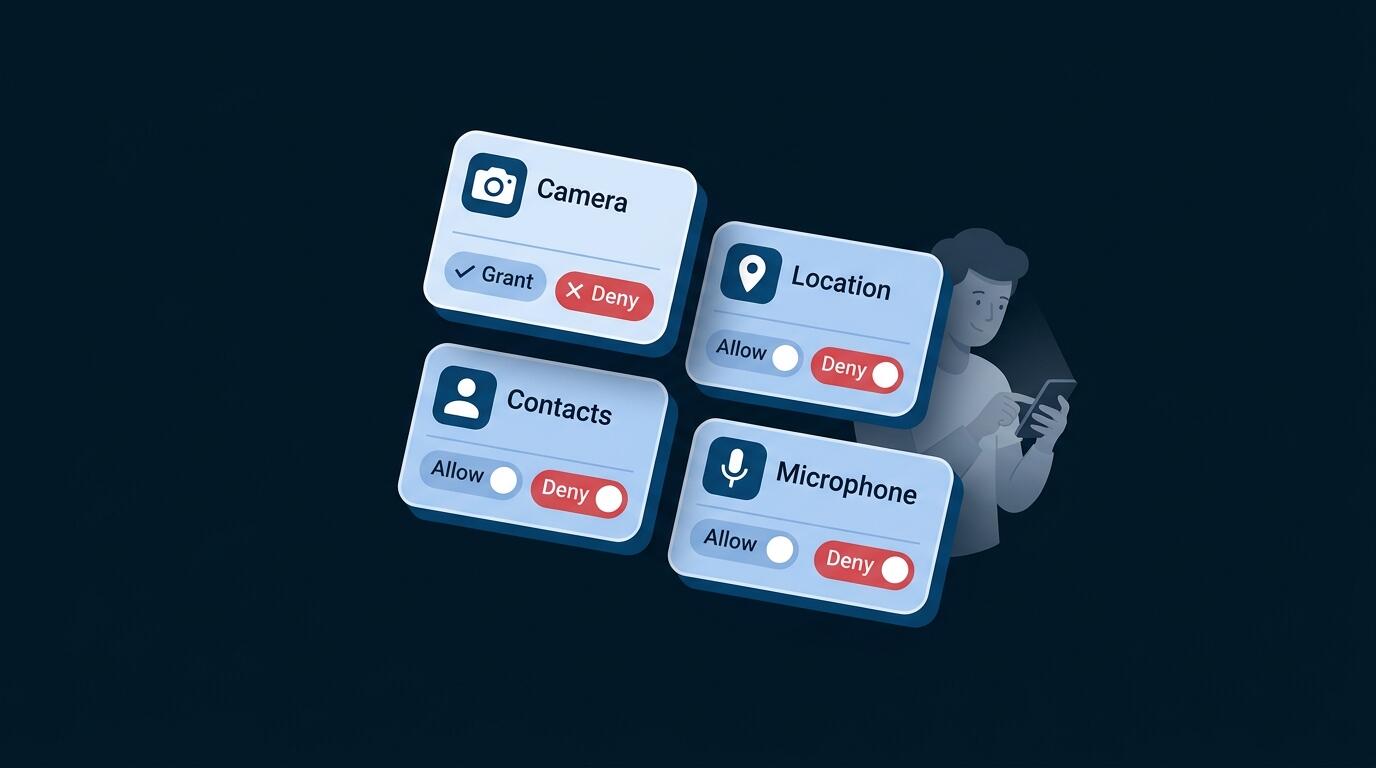
Apps requesting location permission — Social media apps, maps, weather, dating apps, delivery services, and health apps all request location access. Many use it far more than necessary.
Websites using IP-based geolocation — Every website you visit knows your approximate location based on your IP address. Banks, shops, news sites—they all know where you are.
Advertisers and ad networks — Google, Facebook, and thousands of ad networks track your location to build behavioral profiles and send targeted ads.
Data brokers — Companies like SafeGraph collect location data from millions of phones and sell it to anyone willing to pay. Your movements are quantified and sold.
Cellular carriers — Your phone company knows exactly where you are (within meters) because your phone connects to cell towers. This data is tracked, stored, and sometimes shared.
Government agencies — Law enforcement can access location history without your knowledge. Governments in many countries actively track citizens' locations.
WiFi providers — Airports, coffee shops, malls—they track your location when you connect to their networks. This data is aggregated to understand movement patterns.
Social media platforms — Facebook, Instagram, TikTok track your location constantly, even when you've disabled GPS. They use IP addresses, WiFi data, and device identifiers.
How Location Tracking Works (Technical but Accessible)
Understanding how tracking works empowers you to prevent it.
GPS tracking — Your phone's GPS chip is highly accurate (within meters). Apps request GPS access, but they're not required to tell you how often they access it or what they do with the data. GPS tracking happens in the background.
IP-based geolocation — Every device online has an IP address. IP addresses are registered to geographic locations (cities, regions). Websites use this to know approximately where you are without requiring any permission.
Cellular triangulation — Your phone connects to cell towers. By calculating which towers your phone uses, networks determine your location without accessing GPS.
WiFi fingerprinting — Your phone connects to WiFi networks (even if you don't explicitly join). These networks report your device's presence to location services, building a map of your movements.
Bluetooth beacon tracking — Malls, airports, and stores deploy Bluetooth beacons. Your phone detects these and advertisers know exactly where you are inside buildings.
Device identifiers — Your phone has a persistent identifier (IDFA on iPhone, Advertising ID on Android). Advertisers use these to track your movements across apps and websites, building a complete location profile.
Background data collection — Apps continue collecting location data even when you're not actively using them. Permission says "Allow Always" means exactly that—tracking happens 24/7.
The Hidden Cost of Location Data
Behavioral profiling — Location history shows patterns. Frequent visits to job training centers suggest job searching. Frequent visits to clinics suggest health concerns. Your movements become a behavioral profile sold to insurance companies, employers, and lenders.
Targeted advertising — Advertisers track your location to send "nearby deals." You see different prices than someone in a different location. Location-based advertising is normalized, but it's still discrimination.
Price discrimination — Studies show that prices vary based on location. Affluent neighborhoods see lower prices for online services, while less affluent areas see higher prices for the same products.
Insurance pricing — Insurers use location data (with other information) to assess risk and set premiums. Location-based risk assessment is standard in the industry.
Loan applications — Banks use location history to assess creditworthiness. Your location tells lenders about your socioeconomic status.
Employment discrimination — Employers use location data (including historical location) in hiring decisions. Location signals influence whether you're considered for positions.
Real-world stalking risks — Location history in the hands of bad actors enables physical stalking. Abusive exes, criminals, and predators use location data to track victims.
Data breach consequences — If your location history is breached, it becomes a detailed record of your life accessible to criminals and used for targeted crimes.
How to Disable Location Tracking (Step-by-Step)
The most effective way to prevent location tracking is to disable location permissions for most apps.
For iPhone Users
- 1Go to Settings → Privacy & Security → Location Services
- 2You have two options: Turn off Location Services completely (most private, but disables GPS for all apps) OR Keep Location Services on, but disable per-app (better for usability)
- 3If keeping Location Services on:
- Scroll through the app list
- For most apps, tap them and select "Never"
- For apps that genuinely need location (Maps, Weather), select "Allow Once" or "Allow While Using App" (not "Always")
- 4Go to Settings → Privacy & Security → Location Services (scroll to bottom)
- Disable "Share My Location" with contacts
- Disable location services for "System Services"
- 5Disable location history uploads: Go to Settings → iCloud and disable "Location Services"
For Android Users
- 1Go to Settings → Location
- 2Toggle Location off completely OR change to "Device only" mode (uses GPS, not Google's location services)
- 3Go to Settings → Apps & permissions → Permission manager → Location
- Review each app and set to "Don't allow" for most
- Set "Allow only while using the app" for essential apps
- 4Disable location history: Go to Google Account → Manage your Google Account → Data & Privacy
- Disable "Web & App Activity"
- Go to Timeline and delete location history
- 5Disable location for background processes: Settings → Location → "Allow all the time" — disable for all apps
Disabling Location Services by Permission Type
Many apps request location permission but use it for purposes unrelated to core functionality. Apps use location data primarily for advertising and behavioral tracking, not for features you actually use. A weather app doesn't need your location history; a social media app absolutely wants it.
GPS (Most Accurate) — Provides location within meters. Apps can track you precisely. Disable GPS access for all non-essential apps. Maps legitimately needs GPS. Instagram doesn't.
Approximate Location (Less Accurate) — Location within a few kilometers. Many apps request this. Disable for advertising-dependent apps.
Bluetooth Beacons — Malls and stores use beacons for indoor tracking. Disable Bluetooth when not actively using navigation.
WiFi Location — Your phone reports WiFi networks it detects. Disable "WiFi Scanning" in Location Services settings.
Cellular Location — Based on cell tower signals. You cannot disable this without turning off cellular, but you can disable app access to it.
Background Location — Apps continue tracking when you're not using them. Set all location permissions to "Allow only while using the app" to prevent background tracking.
Location History — Google and Apple store your location history. Both offer settings to delete and disable this. Go to your account settings and disable location history storage.
VPN for IP-Based Location Privacy
While disabling app location permissions prevents GPS tracking, a VPN hides your location from websites that use IP-based geolocation.
How IP-based geolocation works: Every website you visit knows your IP address. IP addresses are registered to geographic locations. When you visit a website without VPN, they see your real location.
How VPN helps: When you use VPN, websites see the VPN server's location instead of your real location. Your actual location remains hidden from websites and your ISP.
Important distinction: VPN does NOT prevent GPS tracking by apps. If an app has GPS permission, it can track you regardless of VPN. However, VPN prevents IP-based tracking by websites.
Best practice: Disable location permissions for apps AND use VPN to hide your location from websites.
VPN masks your location from websites, not from apps. Apps with location permission can still track you. VPN is one layer of location privacy, not a complete solution. Always disable app location permissions as your primary defense.
Choosing VPN server locations: When using VPN UK, choose a server location strategically. If you want maximum privacy, select a distant server location. If you need access to location-restricted content, choose the appropriate region.
Complete Location Privacy Strategy (Multi-Layer)
Effective location privacy requires multiple layers working together.
Layer 1: Disable all unnecessary location permissions
- Set most apps to "Never" use location
- Allow location only for apps that genuinely need it (Maps, Navigation)
- Use "Allow only while using the app," never "Allow Always"
Layer 2: Enable VPN for website location privacy
- Use free VPN UK to prevent location-based tracking by websites and ISPs
- Use VPN when visiting websites that might track location (banks, shops, news sites)
- Choose a distant server location for maximum privacy
Layer 3: Use privacy-focused apps
- Replace location-dependent apps with privacy-first alternatives
- Use privacy-focused maps (uMap, MAPS.ME)
- Use privacy-focused weather apps
- Avoid social media that tracks location
Layer 4: Clear location history regularly
- Delete Google location history (if using Android)
- Delete Apple location history (if using iPhone)
- Clear cached location data from apps
Privacy-focused apps exist for most common functions. Use alternative maps (MAPS.ME, OsmAnd), alternative weather apps (Open Weather), and privacy-focused browsers (Firefox) that don't track location. Combined with location permissions disabled and VPN enabled, these alternatives provide comprehensive location privacy.
Frequently Asked Questions
Disabling location services in settings disables GPS globally. Most people can function without GPS for most activities. Navigation apps will prompt you to enable location when needed. You can then enable it temporarily.
No. VPN only hides your location from websites (IP-based geolocation). Apps with location permission can still track you via GPS. You must disable app location permissions to prevent GPS tracking.
Not for app-based tracking (that's prevented by disabling permissions). But VPN helps with website-based geolocation (IP addresses). For comprehensive location privacy, use both.
Emergency services (911, 999) have access to location regardless of privacy settings. This is intentional for your safety. Disabling location doesn't prevent emergency services from finding you.
Yes, through other methods: WiFi networks, Bluetooth beacons, and if you've previously logged into accounts that stored location. VPN addresses IP-based tracking, but not all methods.
IP-based geolocation is accurate to city or region level, usually within 10-50 kilometers. Much less precise than GPS but still reveals your general location and movement patterns.
Yes. Your cellular carrier can always determine your location from cell tower signals. You cannot prevent this without turning off cellular service.
Not necessarily. Location has legitimate uses (navigation, weather, finding nearby restaurants). The goal is to enable location only when needed and for apps that genuinely need it.
Go to your location settings and check which apps have accessed location recently. Many apps request permission but rarely use it. This tells you which apps actually track location.
In many jurisdictions, apps must request permission to access location. However, the permission system is weak—once granted, tracking can happen without your active knowledge. Laws are catching up, but currently, location tracking is largely legal if you've granted permission.